


Life is busy. If you search for the best budgeting apps on iPhone in 2026, you will find dozens of options. Most are trackers. Only a few actually enforce zero based budgeting. This post covers the ones that do, and helps you pick the right one for your financial situation.
Quick answer: the best zero based budgeting apps for iPhone in 2026
Zero based budgeting assigns every dollar a job before you spend it. Income minus expenses should equal zero. No unassigned money, no guessing. For iPhone users who want a clear spending plan they can see at a glance, these five apps stand out in 2026:
FloosYo - best forward-looking zero based budgeting app for iPhone. 7-day free trial, then $9.99/mo or $99.99/yr via Apple.
YNAB - best for fans of strict methodology and community workshops. Around $14.99/mo or $109/yr.
EveryDollar - best for followers of the Ramsey ecosystem. Free version available; paid plan at $17.99/mo or $129.99/yr.
Actual Budget - best open-source zero based budgeting app for iPhone. Free if self-hosted, or about $4/mo for hosted sync.
Goodbudget - best envelope-style app without bank linking. Free tier available; Plus plan for $10/mo.
The rest of this article compares features like automation, spending projections, subscriptions, privacy, and ease of use so you can find the answer that fits your finances.
What zero based budgeting is (and how it works on an iPhone)
The main premise of zero based budgeting is proactive financial management. You break down your income into categories until nothing is left unassigned. Common budgeting methods include 50/30/20 and zero based budgeting, but the zero based approach goes further: every penny gets a plan, not just a percentage.
This methodology is forward-looking. You plan the month before spending begins, whether you earn a salary, freelance, or have irregular pay. Zero based budgeting can enhance awareness of spending habits because you must reflect on every category before dollars leave your bank accounts.
Here is an example. A person earning $4,000 a month might assign $1,200 to rent, $500 to groceries, $150 to transport, $50 to streaming and gym, $300 to utilities, $200 to takeaway and fun, and $800 to savings. That leaves zero unassigned dollars. Expense tracking improves with the use of digital apps that turn this exercise into a simple workflow on your iPhone.
Contrast this with lighter trackers. Apps like Monarch Money or Copilot Money display spending trends after purchases happen but do not force you to assign every dollar in advance. Many people prefer that flexibility, but it is not zero based budgeting. If you came from an outdated tool like Mint and want more control, a true zero based app gives you a clearer path.
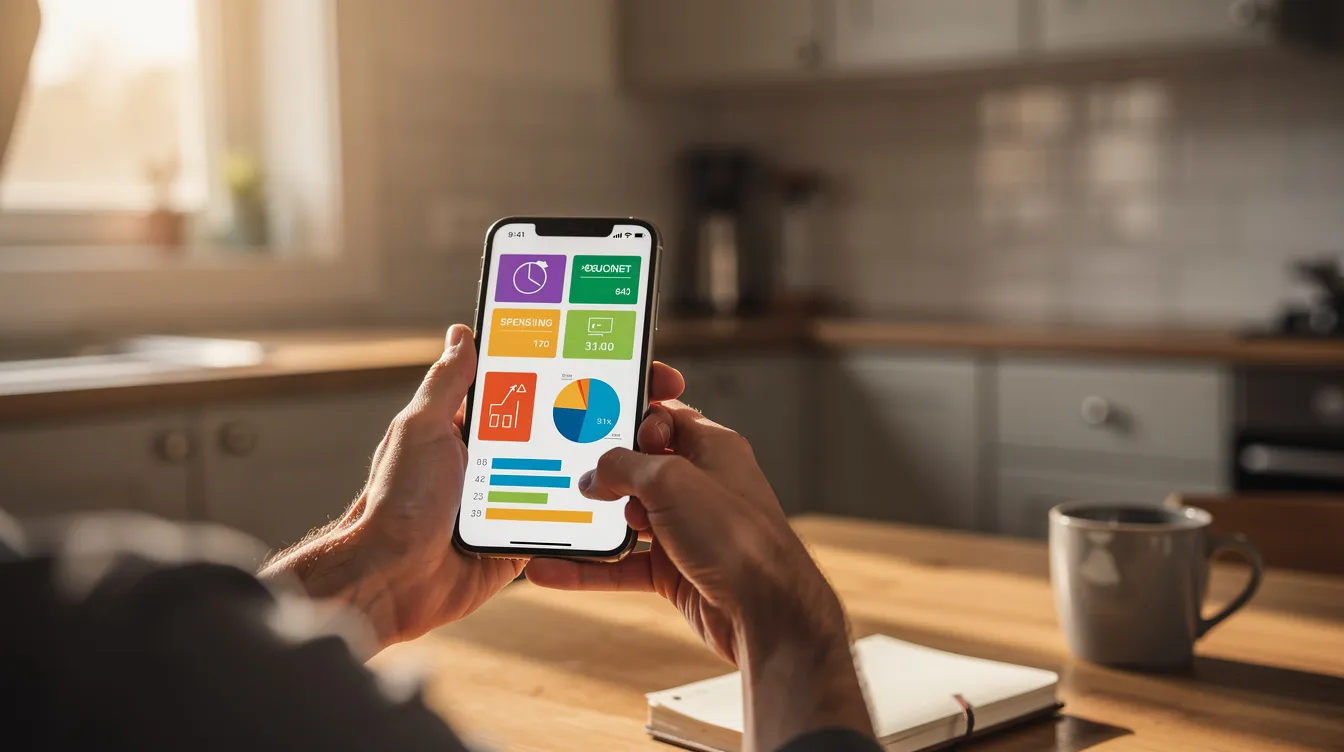
How to choose the right zero based budgeting app for you
The best budgeting app depends on your habits, not star ratings. A doctor with a stable salary might want something different from a graduate fresh out of university with irregular freelance pay. Students and anyone new to managing money should pick an app they will actually open each week.
Key decision factors to weigh:
How much time and effort you can spend categorizing transactions each week.
Whether you prefer full bank linking or want to manually enter transactions for privacy.
If you need family or couples features, or if solo budgeting is enough.
Whether visual design and iOS-native features (widgets, Siri, Shortcuts) matter.
Whether you want broader financial planning tools (net worth, investments overview) inside the same budgeting app.
iPhone users in the majority tend to prefer apps that work mobile-first, have simple dashboards, and offer alerts instead of long spreadsheets. FloosYo is built for this group: a forward-looking spending plan with alerts and pace tracking, no heavy rules or homework. The sections below go deeper.
FloosYo: best forward-looking zero based budgeting app for iPhone
FloosYo is a zero based budgeting app for iPhone and iPad that focuses on where your money is heading, not where it went. It is the primary pick in this post for users who want structure without a steep learning curve.
Zero based budgeting in FloosYo:
A "zero-based assign" screen lets you allocate every new dollar until "Unassigned" hits zero.
Built-in 50/30/20 and 70/20/10 presets help beginners build a ready-made plan. The 50/30/20 rule allocates 50% to needs, 30% to wants, and 20% to savings.
Flexible enough to work as a YNAB alternative for users who want less reading and more automation.
Capture and automation:
Optional Plaid bank linking with nightly import. Transactions are sorted into categories with real brand logos. Your bank login never touches FloosYo.
Multiple ways to log spending: voice input, natural-language typing, receipt camera that reads the total, shop, and date, Siri phrase, and Apple Pay tap via Shortcuts. Open the menu, and you can adjust or assign any transaction in seconds.
Duplicate detection when a bank charge matches a manual entry. You choose to merge or keep both.
Planning forward:
The dashboard shows income, budgeted, and "Flexible" money left. It turns red when you are over budget.
Pace indicators display whether each budget category is ahead or behind for the month. Digital budgeting can help project future spending and savings based on current habits.
Alerts push before a budget runs hot, when unassigned money needs a job, and before recurring charges land.
Subscriptions and recurring expenses:
Subscriptions are automatically found from bank data and filed as recurring. Every expense shows its yearly cost, helping you spot habits worth skipping.
Recurring expenses can be daily, weekly, monthly, or yearly. Users receive reminders 1, 3, or 7 days before charges.
A "Due today" list lets you mark each charge paid, skip it, or stop it. Skipping an expense moves the money into your savings goal.
Savings and habits:
One savings goal at a time with visible progress. Budgeting apps help users automate savings goals effectively, and FloosYo's skip-to-save flow does exactly that.
Daily logging streaks, milestone stickers, and light gamification encourage consistency without pressure. You can manage subscriptions and save the difference.
Reports and big-picture tools:
Spending and savings charts with an end-of-year savings projection based on your current pace.
Net worth view with assets minus debt, plus investment holdings tracking and performance vs balance overview. No investing advice, just a read-only display.
Account-level breakdowns (checking, savings, cards, net cash) inside one app.
Customization and privacy:
Custom categories with icons and colors can enhance the budgeting experience. Editable dashboard order, 20 header colours, 3 iOS widgets, and light/dark theme.
FloosYo is ad-free and encrypts data at rest. FloosYo uses two-factor authentication for added security. User data is never sold. Users can delete their accounts anytime.
Pricing: 7-day free trial on iPhone and iPad. Then $9.99/mo or $99.99/yr via Apple. No hidden fees.
YNAB and EveryDollar: classic zero based budgeting apps that demand more time
YNAB and EveryDollar are long-standing zero based budgeting apps. They suit users who like strict systems and do not mind a learning curve or more manual work.
YNAB's philosophy centers on "Four Rules" that teach you to assign every dollar a job, embrace your true expenses, roll with the punches, and "age your money." The methodology is powerful but demands regular engagement. Terminology can feel complex for beginners. YNAB costs around $14.99/month or $109/year, making it one of the more expensive options. Many iPhone users eventually search for a YNAB alternative when the time commitment becomes too heavy.
EveryDollar encourages users to give every dollar a job, planning each month individually. It fits users who follow Ramsey-style content and want a clean monthly reset. The free version works without bank syncing, so you manually enter transactions. EveryDollar's paid version costs $17.99/month or $129.99/year and adds automation. EveryDollar also encourages users to give every dollar a job for savings, keeping the context simple.
Both can be ideal for people who like strict rule sets and lots of manual control. FloosYo aims to offer similar zero based budgeting discipline but with faster onboarding, richer iOS capture tools, and more predictive features like pace indicators, alerts, and future savings projections.
Actual Budget, Goodbudget, and Lunch Money: niche zero based or envelope-style tools
Not every iPhone user wants a polished subscription app from the App Store. Some prefer open-source, manual, or highly customizable tools.
Actual Budget is a free, open-source budgeting app that follows a zero based style similar to YNAB. You can self-host it for free or pay around $4/month for hosted sync. It appeals to technical users who value control over polish. Its iPhone experience may be web-based and less refined than a dedicated native platform like FloosYo. A companion app called Actuali adds Siri and Shortcuts support.
Goodbudget uses a digital envelope system for budgeting and expense tracking. It often does not connect to banks by default, encouraging manual entry for privacy. The free tier includes 10 envelopes. The Plus plan costs $10/month or about $80/year. It is a good fit for users who like envelope visuals and are comfortable adding each grocery or transport transaction by hand.
Lunch Money is a flexible budget and tracking tool with strong support for tech-savvy users and multicurrency. While it can be used to build a zero based spending plan, it does not force that method by default. Some iPhone users use it via web on mobile. Tiller allows users to track expenses in Google Sheets, which is another niche option in the same world of DIY budgeting.
If you are not deeply technical, or if you want a native iPhone app with push alerts and camera capture, consider FloosYo, YNAB, or EveryDollar instead.
Monarch Money and other trackers: when you want a spending plan but not strict zero based budgeting
Some of the best personal finance apps for iPhone focus more on tracking than discipline. They still appear in "best apps" lists, so it is worth understanding the difference.
Monarch Money is an all-in-one financial dashboard focusing on aggregation, expense tracking, and net worth. Monarch allows for flexible budgeting without zero-based constraints. Monarch allows users to set and monitor goals for each category, and it supports automated budget tracking and categorization. It costs approximately $14.99/month or $99.99/year. It suits users who want a high-level overview and projections but not strict zero based budgeting. Read a full Monarch Money app review for more context.
Copilot Money is an iOS-first tracking tool. Copilot uses AI for automatic transaction categorization and costs about $13/month or $95/year. It is ideal for hands-off awareness rather than envelope-style budgeting. Rocket Money is another alternative in this space, focusing on subscription cancellation and bill negotiation. These apps can complement a stricter zero based app for readers who only want a light-touch overview.
FloosYo keeps the clarity of zero based budgeting while borrowing strengths from trackers: bank linking, smart categorization, spending projections, and year-end savings estimates. In FloosYo the budget is central, not an optional side feature.
Key iPhone features to look for in a zero based budgeting app
On iPhone, usability and capture speed matter as much as budgeting methodology. Many users stop budgeting because entering data feels slow. Look for these features:
Bank linking that is optional and secure, with fast nightly sync so categories stay current.
Multiple capture methods: voice, quick text, camera receipt scan, and Siri or Shortcuts automations.
Widgets and notifications that surface remaining flexible money, upcoming bills, and budgets running hot.
FloosYo implements all of these. Voice and natural-language capture handles entries like "coffee 4.50" or "rent 1200 tomorrow." Receipt photos auto-read shop, total, and date. Apple Pay-triggered automations log purchases without manual typing.
Custom categories that reflect real life (groceries, transport, streaming, gym, fuel) empower you to track what matters. Reorder dashboard tiles to put the "Flexible" number and savings goal front and center. Light and dark mode plus color themes make the app pleasant to sign into daily. A good budgeting app should be fast, readable, and designed mobile-first so you can reassign categories or fix a mistake in seconds. Of course, that is amazing only if it saves you real effort.
Zero based budgeting vs wider financial planning on your phone
Budgeting covers month-to-month cash flow, spending control, and a clear plan. Financial planning looks further: building savings, tracking assets vs liabilities, and preparing for taxes or unexpected costs over a longer period.
Many zero based budgeting apps now blend both. Tracking net worth includes calculating assets minus liabilities. FloosYo's net worth screen tracks accounts and investments as read-only holdings and balances. The reports tab visualizes spending across categories and shows how much flows into savings over time. A year-end savings projection is built from your actual budget and current saving pace.
No budgeting app replaces professional advice. Treat your zero based budget as the foundation, then layer on other tools as your financial situation evolves.
Which zero based budgeting app should you try first in 2026?
The best budgeting app is the one you will actually open. On iPhone, ease, automation, and clarity matter more than any dictionary definition of the "perfect" tool.
FloosYo for iPhone users who want a forward-looking zero based budgeting app with alerts, pace tracking, subscription control, and minimal friction.
YNAB for those who enjoy detailed rules, workshops, and intense hands-on budgeting.
EveryDollar for fans of the Ramsey ecosystem who want month-by-month planning.
Actual Budget or Goodbudget for users who prioritize cost control and manual, private workflows.
Commit to one app for at least a full month. Test it through a complete pay cycle before you judge it. That trial period will teach you more than any review can.
Download FloosYo on your iPhone, join the 7-day free trial, and build your first zero based spending plan in under 10 minutes. Once you see your subscriptions, upcoming bills, and flexible money laid out clearly, you will know whether it fits your money habits.