If you want a budgeting app for iPhone that helps you act before the next charge hits, FloosYo is the strongest pick. Budgeting app use is still fragile, with 72% of users stopping within 90 days, so the best app is the one that finds recurring drains fast, shows their monthly and yearly cost, and pushes you toward a skip or cancel decision before money leaves your account.
The charge you forgot is usually already scheduled. A streaming plan you barely use, extra cloud storage, a phone plan add-on, a gym membership you meant to pause. By the time a normal spending chart shows the damage, the money is gone.
That's why this comparison looks at a different standard for a budgeting app for iPhone. I'm ranking these tools by recurring-charge detection, pre-charge alerts, yearly projections, iOS usability, pricing clarity where public information is available, and whether the app helps you turn insight into an action.
Dedicated budgeting apps on iPhone are already a mature category, not a niche experiment. Apple's App Store still shows established apps such as Money Manager Expense & Budget at 20M+ downloads and 519K ratings, which tells you the demand has been there for years (Money Manager on the App Store). But scale alone doesn't solve your problem. You need the app that catches the next charge before it lands.
Table of Contents
- 1. FloosYo
- 2. YNAB
- 3. Monarch Money
- 4. Copilot Money
- 5. Rocket Money
- 6. Quicken Simplifi
- 7. EveryDollar
- Top 7 iPhone Budgeting Apps, Feature & Pricing Comparison
- Choose the App That Matches Your Next Money Decision
1. FloosYo
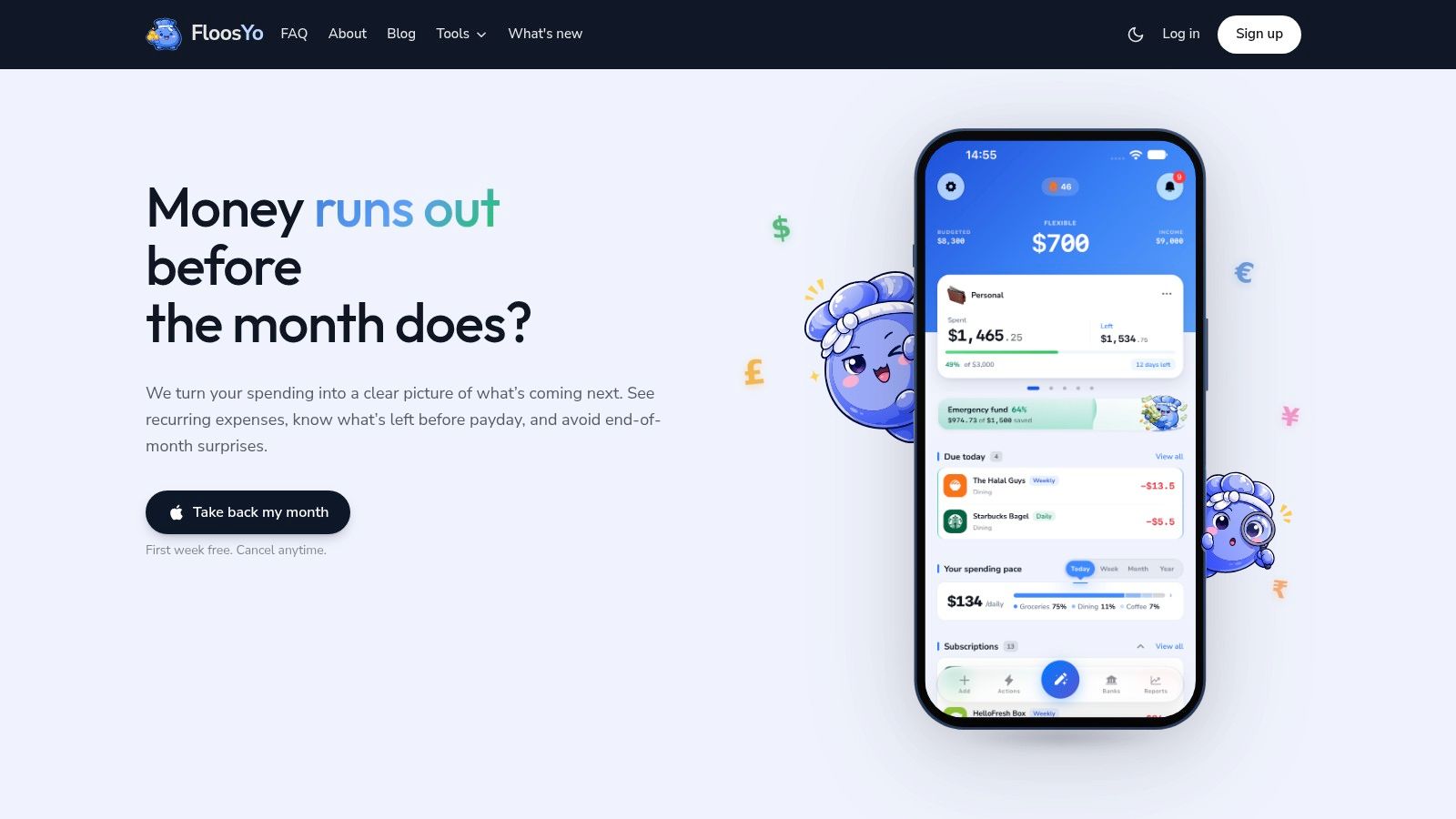
A renewal notice hits while you are in line for coffee. If you ignore it, the charge posts tomorrow. FloosYo is built for that moment.
It is the strongest pick here for iPhone users who want to catch recurring costs early, see the yearly total, and make a skip or cancel decision before the charge lands. If your main problem is subscription creep, repeated delivery spending, or small monthly charges that add up faster than you notice, FloosYo fits better than a traditional category-first budget app.
The app connects through Plaid using a read-only setup and pulls recurring transactions into a forward-looking view. That matters because reviewing last month's spending is not enough when the next charge is already scheduled. FloosYo surfaces recurring expenses, projects their monthly and annual cost, and puts the next decision in front of you while there is still time to act.
Why FloosYo earns the top spot here
FloosYo is built around pre-charge visibility. That is the standard that matters most on iPhone if you want fewer surprise renewals and tighter control over recurring outflows.
You can see repeating expenses as a stream of upcoming decisions instead of a list of old transactions. A small storage plan or app subscription looks different once the app shows what it costs over a year. That annualized view is one of the simplest ways to cut waste, especially for students stacking study tools, freelancers paying for software, or families carrying too many low-value subscriptions at once.
Practical rule: If you routinely notice a subscription only after the charge posts, choose the app that warns you before renewal day and shows the full yearly cost.
FloosYo also does the boring parts well. It supports cross-border use, multiple currencies, and bank coverage broad enough for users who split time between countries or manage mixed personal and freelance accounts. On iPhone, that makes it more useful than apps that assume one checking account, one currency, and one household pattern.
Where it is especially useful
Students will get the most from FloosYo if they need a simple way to track rent, transport, cloud storage, food delivery, and study-related subscriptions without building a complex budget from scratch.
Freelancers are another clear fit. Recurring software bills, mobile plans, storage, editing tools, and business subscriptions are easy to miss because they arrive in different amounts and on different dates. FloosYo turns those scattered charges into a short list of upcoming commitments, which is far more actionable than a generic spending pie chart.
Families can also use it well, especially if the goal is cleanup first. If your household needs to cut monthly outflows before rebuilding the full budget, FloosYo is a better first move than a more demanding budgeting system.
There are a few trade-offs. It is iPhone-focused, so Android households will need a different option. It also keeps savings goal management simple, which works well for users who want clarity first but may feel limiting if you prefer several parallel goals.
Its privacy and security approach is also clearly stated, which I consider a requirement in this category. Read-only bank connections, encrypted tokens, TOTP support, and a direct no-data-sale stance are all good signs. Market analysis has also shown that finance apps are under pressure to prove value quickly as users compare them with built-in bank tools and resist paying for another weak subscription layer (finance app market insights report). FloosYo's focus on upcoming recurring charges gives it a clearer answer than most apps on this list.
Pros
- Built for action before renewal: Detects recurring charges and warns you before the next payment posts.
- Strong yearly-cost visibility: Shows monthly and annual totals so small subscriptions stop hiding in plain sight.
- Good fit for iPhone users who want less setup: The workflow is faster than category-heavy systems.
- Useful for mixed spending patterns: Works well for students, freelancers, and families doing recurring-cost cleanup.
- Clear security posture: Read-only Plaid connection, encrypted tokens, TOTP support, and no advertiser data sales.
Cons
- iPhone only: Not a match for households that need Android support.
- Simpler planning structure: Better for recurring-cost control than deep multi-goal budgeting.
You can try FloosYo.
2. YNAB
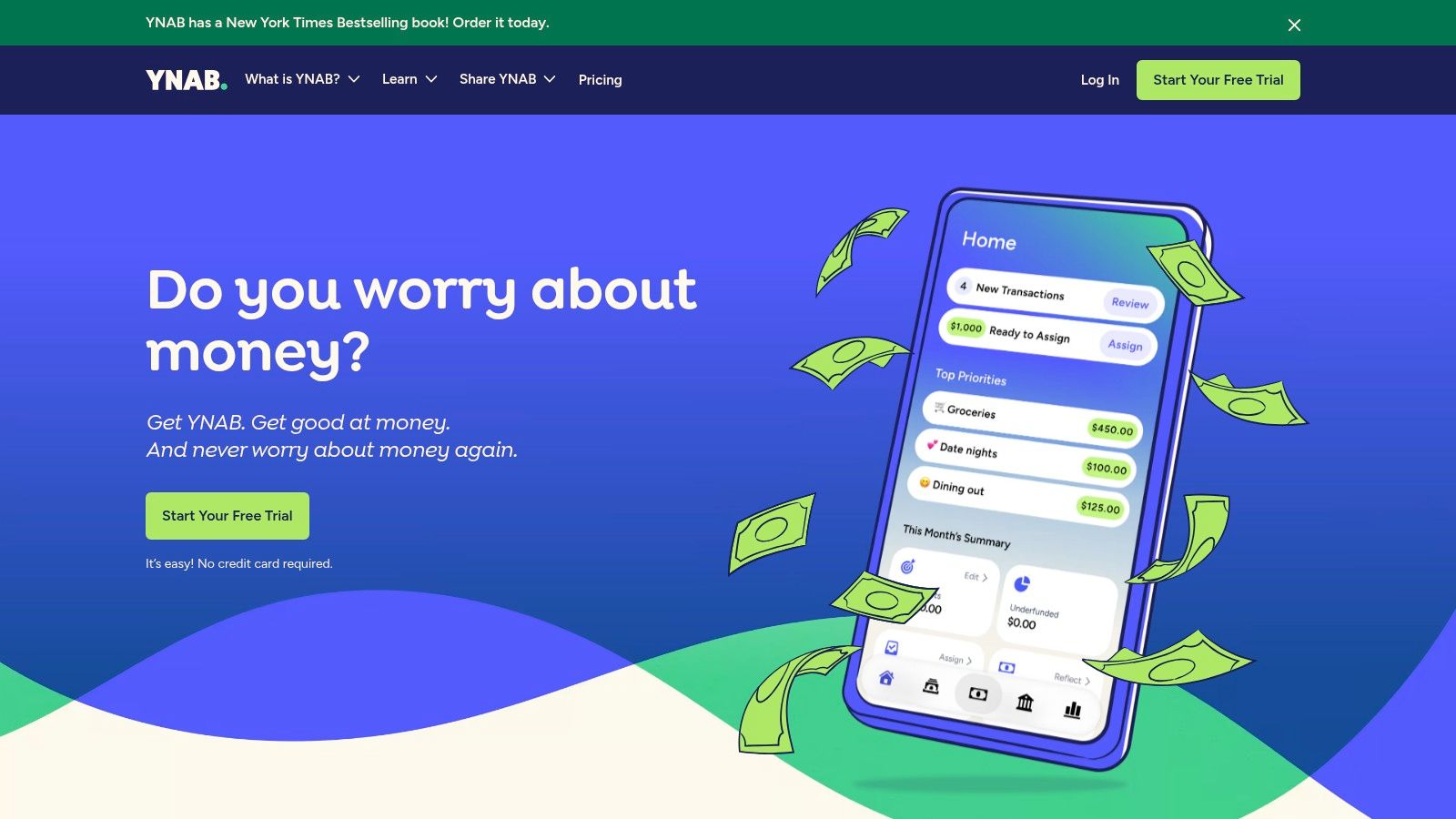
YNAB is the right choice if you want discipline first and automation second. It's still one of the best budgeting app for iPhone options for users who like assigning every dollar a job and staying closely involved in the process.
This app works especially well for people who want to build a budgeting habit, not just trim subscriptions. If you check your categories regularly, adjust plans mid-month, and prefer intentional spending over passive tracking, YNAB is hard to beat.
Where YNAB wins
YNAB has a strong iPhone, iPad, and web experience with real-time sync. It also offers bank connections through partners, Apple Wallet import, goal setting, and privacy documentation that states it doesn't sell financial data.
Its iOS reputation is excellent. Forbes' 2026 review reports a 4.8/5 iOS rating for YNAB, and the same review highlights automation, categorization, and Apple-device integration as key reasons users rate these apps highly (Forbes budgeting app review). That lines up with YNAB's actual strengths. It's clean, reliable, and method-driven.
YNAB works best when you want to tell your money where to go in advance, not just review merchant charges afterward.
Where it's weaker for recurring-charge action
YNAB can absolutely help you manage subscriptions and bills. It just isn't built around the skip-now, cancel-now, or renewal-warning workflow the way FloosYo is. Its power comes from planning and allocation, not from turning recurring drains into immediate actions.
That also means there's a learning curve. New users can feel friction in the first week, especially if they want a simple subscription cleanup tool rather than a full budgeting method. If you're considering it, this YNAB app review is worth reading alongside the official site.
Best for
- Hands-on budgeters: People who want a full zero-based method.
- Users building spending discipline: Good for long-term habit change.
- Apple users who also want web access: Strong cross-device sync.
Use YNAB if structure is your priority.
3. Monarch Money
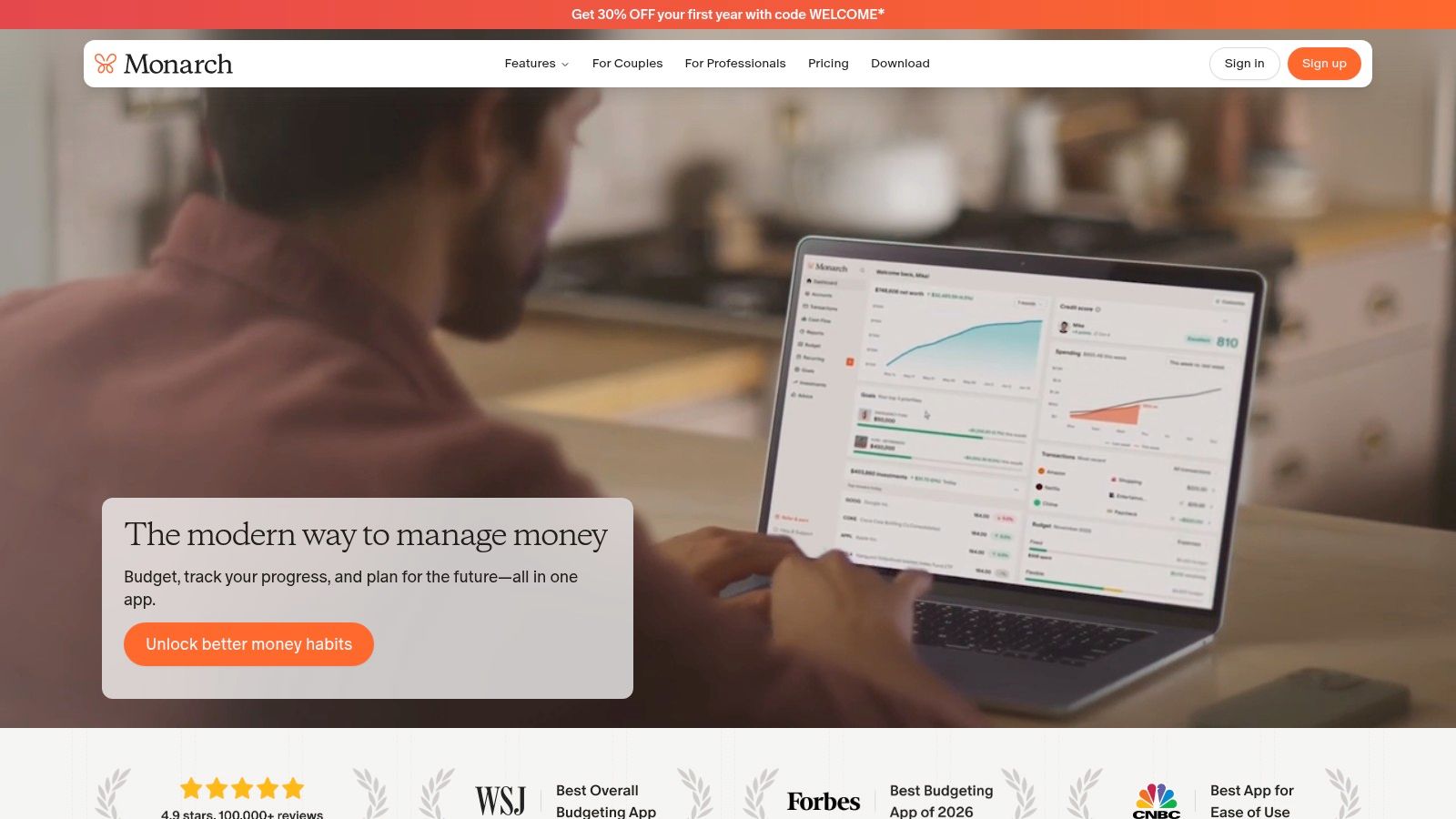
Monarch Money is the best pick here for collaborative households. If two adults need to review the same bills, recurring charges, and category plans without passing one phone around, Monarch makes more sense than a single-user-first app.
It feels like a modern money hub rather than a pure budgeting tool. That broader scope is useful if your household wants subscriptions, bills, planning, and account visibility in one place.
Strongest use case
Monarch gives you household collaboration, cash-flow planning, Apple Wallet integration, iOS widgets, and recurring-payment tracking. It also keeps an ad-free posture and says it doesn't sell user financial data.
For families, that combination matters. One person can monitor due bills while the other reviews spending categories or upcoming household costs. If your budget conversations happen jointly, Monarch is more practical than using a stricter solo workflow.
Trade-offs to know
Its recurring-transaction detection can be finicky. That matters because recurring-charge reliability is one of the first things that breaks trust in this category. A review of 1,586 one- and two-star App Store reviews across budgeting apps found that broken bank synchronization was the largest complaint category at 21%, and technical issues overall made up 51% of critical feedback (CashJot review analysis). Monarch isn't alone here, but household users should care about it because one missed sync can create confusion for two people, not one.
Plus, some of Monarch's more advanced planning features sit in the higher tier. If you mostly want recurring-cost visibility and pre-charge action, that extra breadth may feel less useful than FloosYo's tighter focus.
If you want a closer look at the trade-offs, read this Monarch Money app review.
Best for
- Couples and families: Shared visibility is the main advantage.
- Users who want broad account coverage: Good for an all-in-one dashboard.
- Households that plan together: Better than solo-first budgeting apps.
Visit Monarch Money.
4. Copilot Money
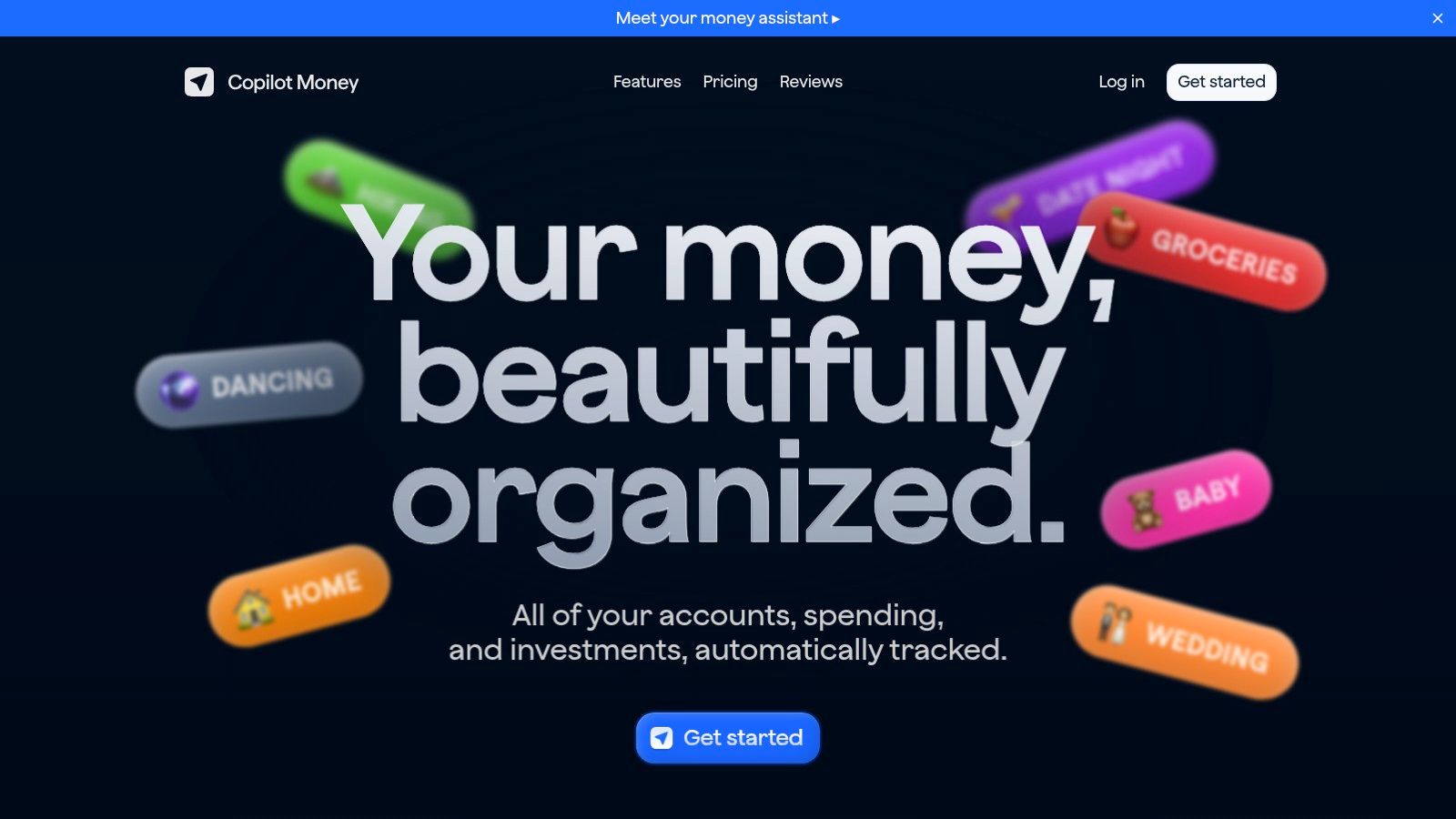
Copilot Money is the most Apple-native option in this roundup. If you live on your iPhone, use a Mac, prefer polished design, and want your budgeting app to feel like it belongs in the Apple ecosystem, Copilot is a strong choice.
It leans heavily on automation. Categories are machine-assisted, the interface is clean, and direct support for Apple Card and Apple Cash reduces friction for people already inside that world.
Best for design-focused Apple users
Copilot shines when you want to review transactions quickly and keep the process lightweight. Subscription tracking, recurring-spend visibility, and net-worth views all sit inside one tidy experience. One subscription covers iPhone, iPad, Mac, and web.
Its user satisfaction is also very strong. Forbes' 2026 review gives Copilot a 4.8/5 iOS rating and notes the same pattern seen in other top apps: users reward smooth automation, categorization, and Apple-device integration. That's exactly where Copilot is strongest, even if its broader focus goes beyond recurring-spend cleanup.
If you want your budgeting app for iPhone to feel fast, visual, and native to Apple hardware, Copilot is near the top.
Limits before you choose it
Copilot is US-only, which immediately narrows who should consider it. It also depends on account aggregation, so sync hiccups can still happen. For many people that's tolerable. For anyone whose main frustration is missed renewals or surprise recurring charges, it's a bigger issue.
It's also less direct than FloosYo when the actual goal is “show me what's renewing soon and let me decide what to stop.” Copilot is excellent at making ongoing money tracking pleasant. FloosYo is better at making recurring spending actionable before the charge posts.
Copilot is available at Copilot Money.
5. Rocket Money
Rocket Money is for people who don't just want visibility. They want help canceling things. That's why it remains one of the most practical choices for subscription-heavy users, especially if the problem is follow-through.
Its biggest strength is obvious. It detects subscriptions, offers cancellation help, and adds concierge-style support on paid tiers. If you've been paying for a service you keep forgetting to remove, Rocket Money can save time.
Best when cancellation support matters most
Rocket Money also includes a safe-to-spend style view, a free tier, web access, and paid upgrades for broader controls. That makes it approachable for users who want to start with basic subscription cleanup before committing to a full budgeting method.
This app is especially suitable for users who don't enjoy budgeting at all. If your ideal workflow is “find the recurring charges and help me deal with them,” Rocket Money gets closer to that than many traditional budget trackers.
Where it falls short
The deeper budgeting controls usually require Premium. That means its free plan is useful, but it may stop short if you want category planning and broader forecasting in the same place.
There's also a category-wide caution here. Consumers value timely auto-renewal reminders close to the actual renewal date, and a 2024 study found they would pay a premium for that feature because it helps them decide whether to continue or cancel a subscription (auto-renewal reminder study). Rocket Money is directionally aligned with that need, but if your top priority is a renewal-warning-first experience with annualized cost framing, FloosYo is still the sharper fit.
For a closer comparison, read is Rocket Money worth it.
Best for
- Users who struggle to cancel services: Concierge help is the differentiator.
- People focused on subscriptions first: Easier entry point than a full budgeting overhaul.
- Anyone who wants a free starting option: Good for testing the category.
Go to Rocket Money.
6. Quicken Simplifi
Quicken Simplifi is the best option here for projected cash-flow planning. If your main question is “What's safe to spend after bills and subscriptions are accounted for?” Simplifi answers that better than most.
Its Spending Plan is the core reason to use it. It starts from income, subtracts bills and recurring expenses, then shows what's available to spend. For many people, that feels more practical than a strict budget template.
Strong cash-flow visibility
Simplifi automatically identifies recurring bills and subscriptions, offers projected cash-flow views, and includes an iOS widget for available spending. It's a good fit for users who want forward-looking planning without committing to a rigid zero-based method.
That makes it especially good for freelancers with uneven income, people moving from Mint-style tracking, and users who need a broader monthly spending picture. It gives you enough structure to plan, but it doesn't force a philosophy onto every transaction.
What keeps it from the top spot
Its strongest value is forecasting cash flow, not pushing recurring-charge action. If you need to know what next month looks like, Simplifi is useful. If you need to stop the next renewal before it lands, it's less focused than FloosYo or even Rocket Money.
There's also a practical mobile limitation. Some widgets may only refresh after you open the app, and some advanced edits still work better on the web. That's not a deal-breaker, but it matters if you want an iPhone-first workflow.
Use Quicken Simplifi if “available to spend” is the metric you care about most.
7. EveryDollar
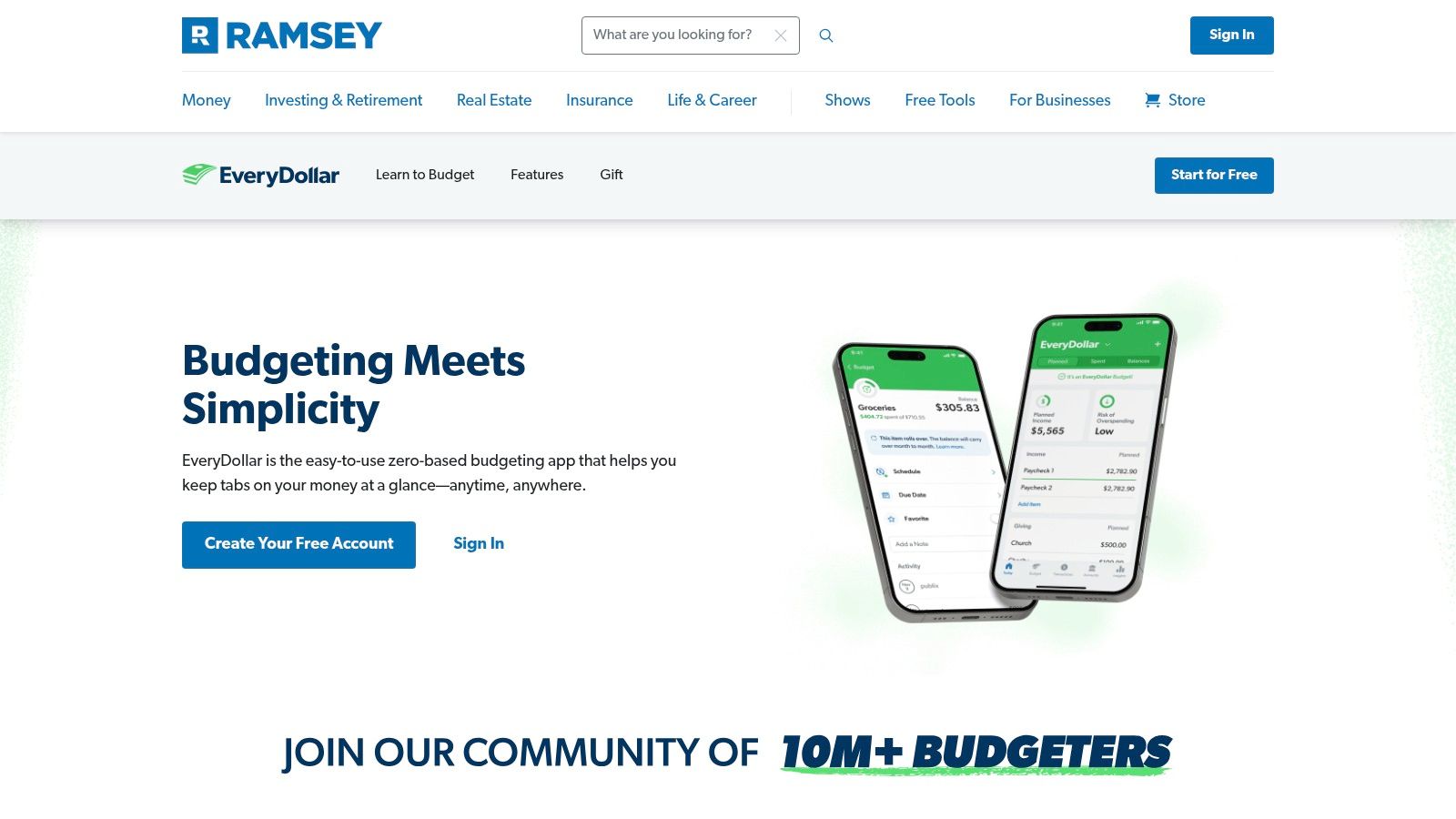
EveryDollar is the simplest zero-based budgeting app in this list. It's best for people who want a manual-first system, don't mind entering details themselves, and prefer line-by-line control over automation-heavy subscription tracking.
That simplicity is both the appeal and the limitation. If you enjoy building your budget intentionally each month, EveryDollar stays focused. If you want the app to discover forgotten recurring charges for you, it's not the strongest option.
Best for hands-on budget purists
The free version is effective for manual budgeting. Premium adds bank connections, automatic transaction streaming, and reporting. If you already know your categories and want a clean system without much extra complexity, EveryDollar works.
It also suits users who like educational guidance and a structured budgeting routine. Some people budget better when they enter the numbers themselves, and EveryDollar is built for that style.
Bottom line: EveryDollar is for deliberate planners, not passive subscription hunters.
Why it ranks lower for recurring-spend prevention
Manual-first budgeting can be useful, but it asks more from the user. That's a problem in this category. Independent survey findings summarized in an expense-tracking roundup say only 26% of app users use any kind of app or software for tracking spending, while 36% actively track spending against a budget even though 74% report having one (expense tracking statistics summary). In practice, that means many people need more automation, not less.
EveryDollar makes sense if you want budgeting discipline. It makes less sense if your real goal is catching the next recurring charge before renewal.
Visit EveryDollar.
Top 7 iPhone Budgeting Apps, Feature & Pricing Comparison
| App | Implementation complexity 🔄 | Resource requirements ⚡ | Expected outcomes ⭐📊 | Ideal use cases 💡 | Key advantages |
|---|---|---|---|---|---|
| FloosYo | 🔄 Low, quick Plaid connect; iOS-only setup | ⚡ iPhone + App Store subscription after 7‑day trial; bank read‑only via Plaid | ⭐ High subscription visibility; 📊 monthly & annual projections; pre‑charge alerts | 💡 Users with many subscriptions who want proactive renewal control | Automatic recurring detection, pre‑charge reminders, one‑tap skip/cancel, auto‑save to goals; strong privacy |
| YNAB (You Need a Budget) | 🔄 Medium‑High, zero‑based learning curve | ⚡ iOS/iPad/web subscription; bank connection coverage varies by partner | ⭐ High budgeting discipline; 📊 improved cash allocation and goal progress | 💡 Users committed to disciplined, zero‑based budgeting and habit building | Method‑driven budgeting, strong education/community, reliable sync |
| Monarch Money | 🔄 Medium, multi‑platform household setup | ⚡ Cross‑platform; Core/Plus tiers (Plus adds advanced planning) | ⭐ Good collaborative planning; 📊 broad account visibility (some features paywalled) | 💡 Households/couples needing shared budgets and long‑term planning | Polished UI, household collaboration, Apple Card sync, ad‑free experience |
| Copilot Money | 🔄 Low‑Medium, minimal setup with ML automation | ⚡ Apple‑centric devices + web; one subscription; US institution support | ⭐ High automation & categorization; 📊 net‑worth and subscription tracking | 💡 Apple ecosystem users who want automated categorization and clean UI | ML auto‑categorization, direct Apple Card support, strong iOS design |
| Rocket Money (Truebill) | 🔄 Low, automatic detection; concierge optional | ⚡ iOS/web; free tier with Premium/concierge paid options | ⭐ Quick subscription removal; 📊 potential bill‑savings via negotiation | 💡 Users wanting hands‑off subscription cancellations or bill negotiation | Concierge cancellation/negotiation, Safe‑to‑Spend view, usable free tier |
| Quicken Simplifi | 🔄 Medium, cross‑platform setup; familiar flow for Mint users | ⚡ iOS/Android/web subscription; backed by Quicken support | ⭐ Clear projected cash flow; 📊 "Available to Spend" forecasting | 💡 Users wanting forward‑looking spending plans and vendor support | Spending Plan forecasting, recurring detection, Quicken support resources |
| EveryDollar (Ramsey) | 🔄 Medium, manual first; Premium adds automation | ⚡ iOS/web (US); free manual or Premium for bank sync | ⭐ Strong manual zero‑based control; 📊 straightforward category tracking | 💡 Dave Ramsey followers and hands‑on budgeters who prefer manual control | Simple zero‑based workflow, Ramsey educational integration, effective free tier |
Choose the App That Matches Your Next Money Decision
There isn't one perfect budgeting app for iPhone for every person. The right choice depends on the next decision you need to make. Are you trying to stop recurring drains before they renew, build stricter budgeting habits, coordinate with a partner, or see what's safe to spend after bills?
Choose FloosYo if your biggest problem is recurring spending you've stopped noticing. It's the best option here for renewal warnings, yearly projections, voice entry, and skip-or-cancel decisions that happen before the next charge lands. It's especially strong for students, freelancers, and households that want to cut monthly outflows without building a complex budget from scratch. A widely cited consumer estimate says Americans spend about $219 per month on subscriptions, or about $2,628 per year, which is exactly why annualized cost views matter so much for this category (subscription spending estimate).
Pick YNAB or EveryDollar if you want zero-based discipline and you're willing to stay actively involved. YNAB is the better all-around product of the two. EveryDollar is better if you prefer a simpler, more manual approach.
Choose Monarch Money if budgeting is a shared household activity. It's the clearest option for couples and families who want collaborative visibility. Choose Copilot Money if you're a US-based Apple user who wants the most polished iPhone, iPad, and Mac experience. Choose Rocket Money if cancellation support matters more than deep budgeting. Choose Quicken Simplifi if projected cash flow and available-to-spend planning are your main priorities.
There's also one point in this category. Users lose trust fast when syncing breaks. Research summarized in 2026 reports that many people fail to cancel unwanted renewals because they forget, and reminder-based features help reduce that oversight by prompting a deliberate decision before the next charge (renewal reminder research summary). A UK consumer guidance appendix makes the same principle practical by recommending reminders in good time before renewal and easy opt-out from auto-renewal (UK auto-renewal guidance appendix).
Start simple. Connect only the accounts you need. Review the recurring charges the app detects. Check the annual totals. Turn on pre-charge notifications. Then choose one concrete expense to skip, cancel, or monitor this week.
If you want a budgeting app for iPhone that does more than categorize old spending, FloosYo is built for exactly that job. It finds recurring charges, shows their monthly and yearly cost, reminds you before renewals, and helps you decide what to skip, cancel, or keep before the next bill hits.
Coming from another budgeting app? See how FloosYo compares to YNAB, Mint, Monarch or Rocket Money.
Which budget fits me: See which split fits the amounts you enter. Budget my income: Give every dollar a job before the month starts.