

PayPal is convenient for many everyday payments, but it can become costly or restrictive for sellers, cross-border transactions, disputed orders, and users who want tighter data control or deposit protection, with risk-based holds that can last up to 21 days. That's the trade-off to judge before you make it your default way to pay or get paid.
You've probably felt the friction already. You sell a used laptop, finish a freelance job, or pay for a subscription in another currency, then you wait for money to clear, notice the converted total is higher than expected, or spend an evening uploading evidence for a dispute. The payment itself was easy. Accessing, keeping, or challenging the money wasn't.
That's the pattern behind the main Cons of PayPal. None of them makes PayPal useless. They matter most when you need reliable fund availability, predictable costs, or clear protection for money sitting in a balance. If you receive income through PayPal, sell digital services, or rely on it for recurring charges, small delays and layered fees can affect bills that are due on fixed dates.
Use this decision rule. Keep PayPal when its familiarity and buyer protection outweigh the cost and control limits. Move important income or spending elsewhere when you can't tolerate a hold, dispute, conversion charge, or unclear deposit coverage. Fees, eligibility rules, and protections vary by country, product, and account type, so verify the terms that apply to you before deciding.
Table of Contents
- 1. PayPal - Holds, Account Limitations, and Reserves
- 2. PayPal - Merchant Fees
- 3. PayPal - Currency Conversion and Cross-Border Fees
- 4. PayPal - Chargebacks and Disputes
- 5. PayPal - Customer Support and Resolution Delays
- 6. PayPal - Privacy and Data Sharing
- 7. PayPal - Balance Protections and Deposit Insurance
- PayPal Cons: 7-Point Comparison Guide
- Choose PayPal by Cost, Risk, and Control
1. PayPal - Holds, Account Limitations, and Reserves
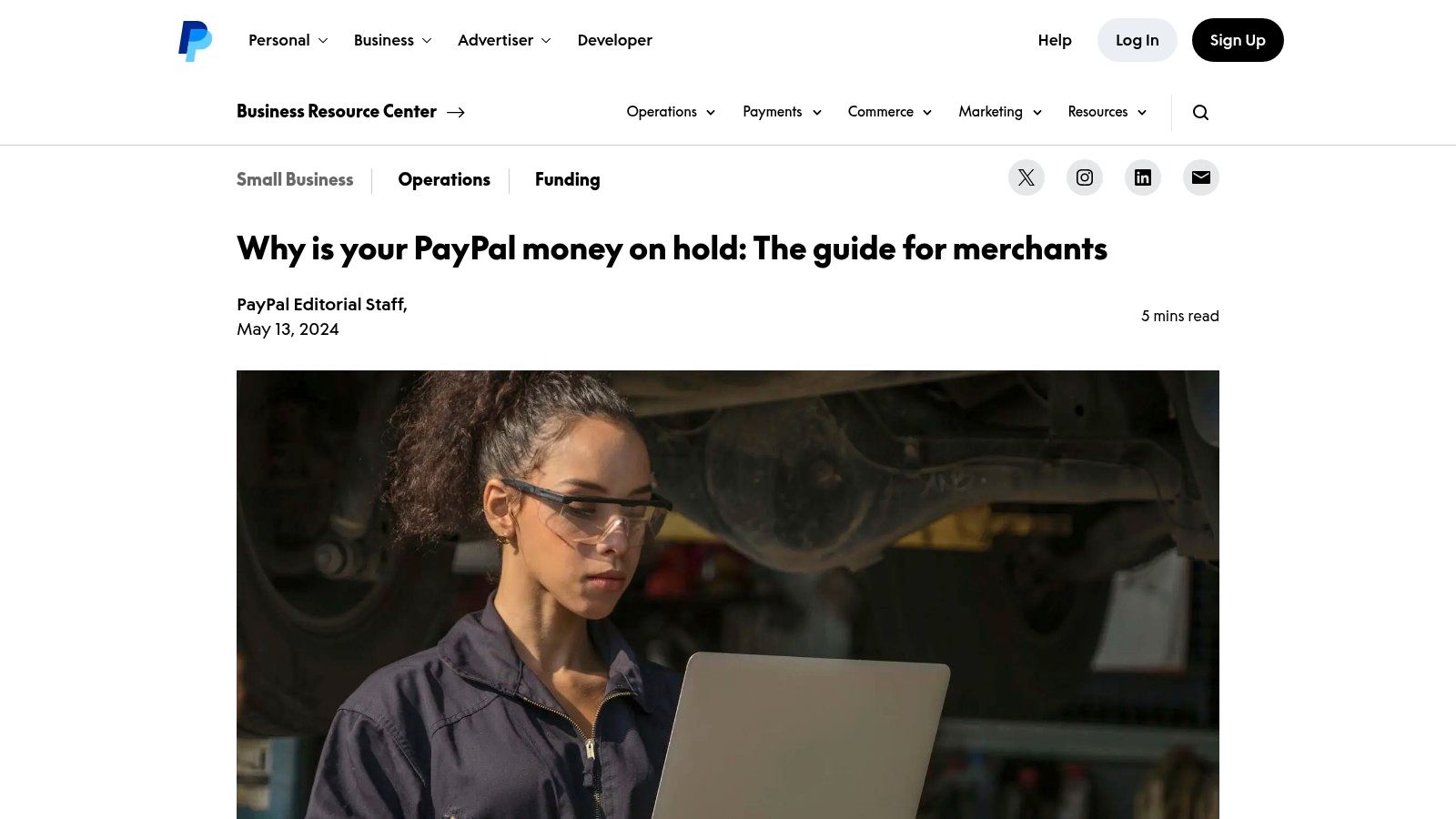
The most disruptive Cons of PayPal appear when money arrives but you can't use it. Under the U.S. User Agreement terms on payment holds, certain holds tied to disputes, policy concerns, or liability protection can last up to 180 days, and limitations may follow activity that looks unusual or creates increased financial risk. That three-week risk window mentioned above is separate from those longer cases.
You don't need to have done something wrong to feel the impact. A new seller, a sudden sales spike, a larger-than-usual invoice, or a buyer complaint can trigger a review. PayPal may also use a rolling reserve, holding part of each sale instead of pausing one payment. For a freelancer expecting to cover rent, software, or a phone plan from that income, timing is the problem, not just the amount.
How to reduce the cash-flow damage
- Keep operating money elsewhere: Don't treat PayPal as the only place for funds needed for near-term bills, subscriptions, or household spending.
- Complete verification early: Upload identity and business documents before a launch or unusually large payment makes the request urgent.
- Keep a second payout route: Direct clients to another agreed payment method if one account enters review.
PayPal's funds availability guidance explains common hold reasons, and risk reviews can limit fraud losses. That doesn't solve your payroll date. Before depending on any platform for income, think through how you choose a bank for everyday access to your money, then keep enough accessible cash set aside for the next cycle of essential bills.
Practical rule: If a delayed payment would make you miss rent, payroll, or a renewal you intend to keep, PayPal shouldn't be your only receiving account.
2. PayPal - Merchant Fees
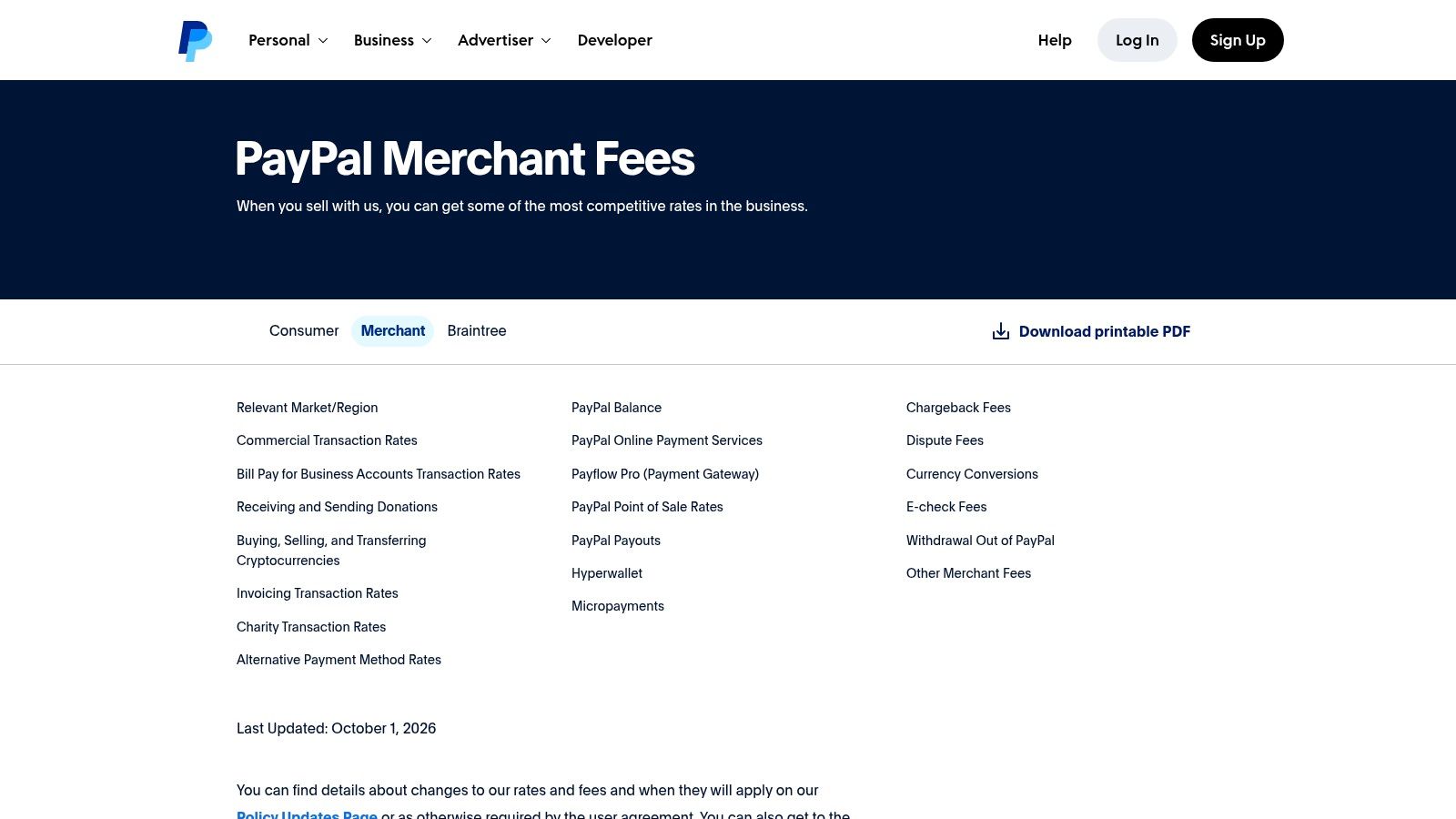
PayPal's headline rate isn't your complete cost. Its published schedules separate Checkout, standard card processing, international activity, returns through banking networks, disputes, and optional protection. That product sprawl makes forecasting harder than a simple percentage comparison suggests, especially when your customers mix cards, balances, currencies, and refunds.
PayPal's own cost structure explains why. Its 2023 filing says credit-card-funded transactions generally incur higher fees, debit transactions lower fees, and bank transfers or existing balances nominal fees, while transaction expense rose by $2.2 billion, or 18%, as payment volume increased by 13% and payment mix changed, according to PayPal's 2023 annual filing. You don't control every customer's funding choice, but those upstream costs shape merchant pricing.
Smaller charges matter at volume. The same filing material and fee information describe a $5 ACH return fee and a $5 unauthorized-transaction fee in defined circumstances, optional chargeback protection priced at 0.40% or 0.60% per eligible transaction, and risk-based pricing that can add as much as 5.00% after notice for heightened complaints, reversals, or chargebacks. For a low-margin seller, those layers can turn an apparently profitable order into a loss.
Judge the full transaction, not the banner rate
- Model a typical order: Include processing, likely refunds, dispute handling, protection, and currency costs before comparing providers.
- Watch low-value sales: Fixed per-transaction components take a larger share of small orders.
- Review monthly statements: Separate ordinary processing from returns, disputes, and add-on charges.
PayPal does simplify vendor management. One integration can cover PayPal, Venmo, and cards, and core online acceptance doesn't require a monthly gateway fee. Review current PayPal business fees for your exact product before assuming that convenience is cheaper than running another processor beside it.
3. PayPal - Currency Conversion and Cross-Border Fees
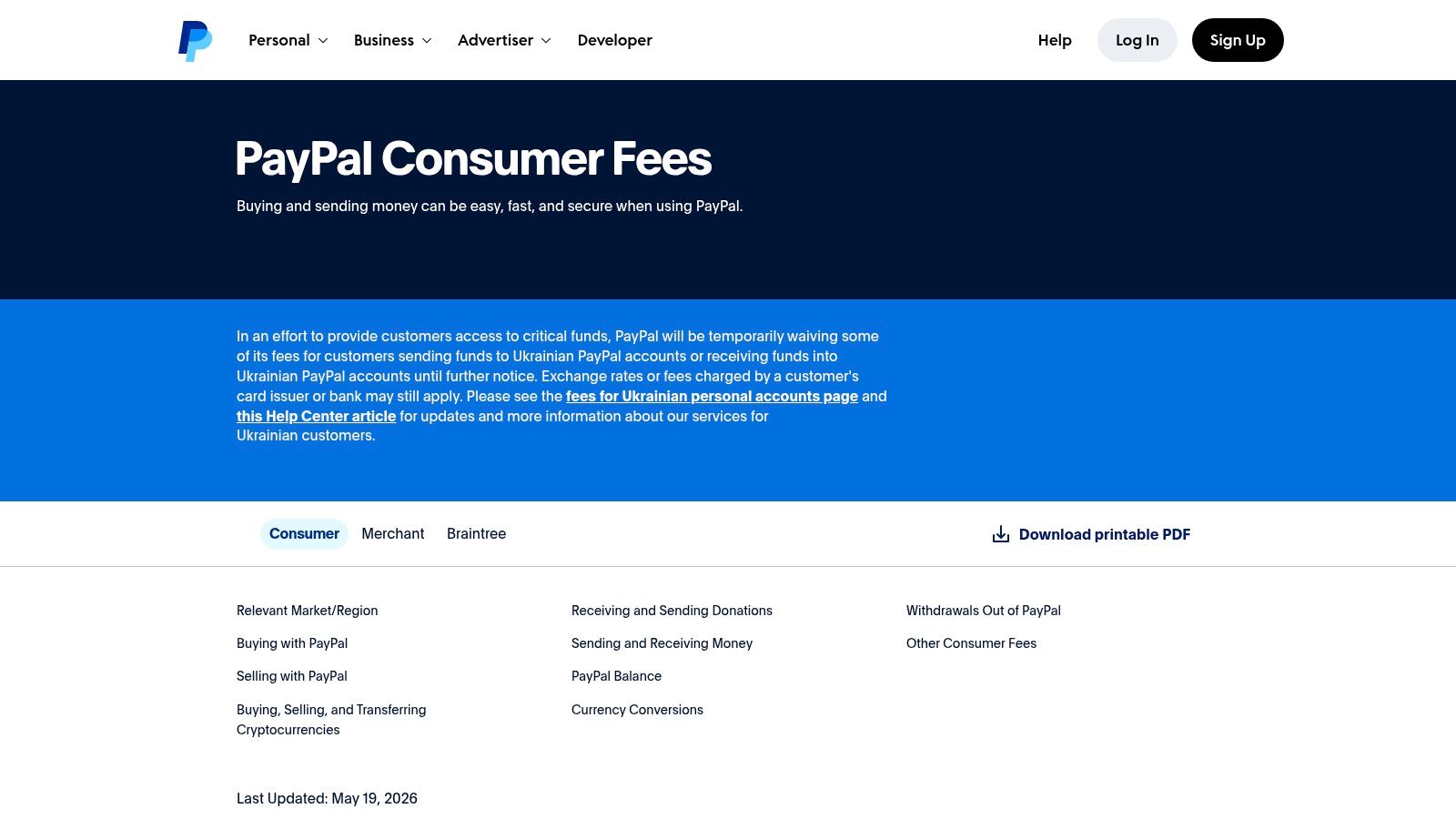
Cross-border convenience hides one of the easiest costs to underestimate. PayPal builds a conversion charge into the exchange rate instead of always presenting it as a separate line item. On the schedule cited here, conversion adds 3.50% for U.S. dollars and 4.00% for many major currencies, including euros, pounds sterling, Canadian dollars, and Japanese yen, according to PayPal's Caribbean consumer fee schedule. Rates and schedules differ by location, so check yours.
This hits recurring spending . A cloud storage plan, design tool, streaming service, or overseas course may renew every month at a converted total you never compare with paying in the merchant's currency. A seller faces the mirror problem when foreign buyers pay in another currency and settlement reduces the amount retained from every order.
International card acceptance can also carry an additional percentage-based fee on top of ordinary processing. Built-in conversion is useful when you sell occasionally overseas and don't want another settlement process. It becomes expensive when international orders, client payments, or subscriptions form a routine part of your budget.
Before confirming, compare the final PayPal amount with the total if the merchant charges your linked payment method in the original currency. Our guide to understanding currency conversion before you accept a converted total helps you spot where the spread enters. Also check current PayPal consumer fee information for your country and account type.
Don't judge an international subscription by its displayed foreign price. Judge it by the final amount that leaves your account, then multiply that amount across a full year.
4. PayPal - Chargebacks and Disputes
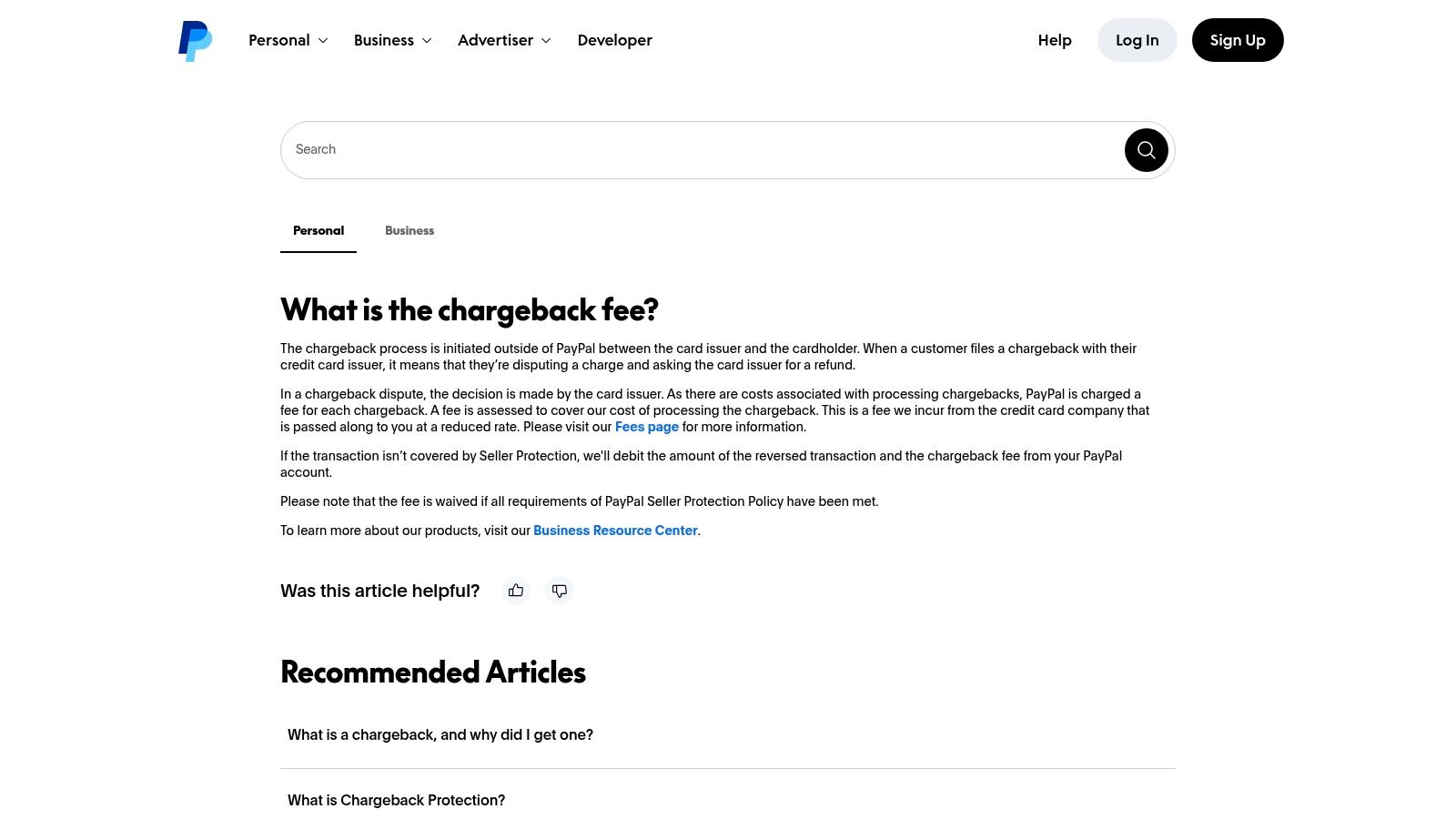
A dispute can cost more than the disputed sale. You may lose the transaction amount, spend time gathering proof, and pay an additional chargeback fee when Seller Protection doesn't apply. PayPal's agreement also permits dispute-related charges for PayPal disputes, card chargebacks, and bank reversals, plus reserves when it assesses elevated risk, as set out in the User Agreement section covering chargeback fees and reserves.
The workload isn't rare at scale. In PayPal-commissioned benchmark data, 59% of surveyed merchants reported chargeback rates of 0.3% to 0.5%, while 25% reported 0.6% to 0.8%, according to PayPal's PaymentsIQ benchmark report.pdf). Those figures cover broader merchant processing experience, not PayPal alone. Still, a seller handling many orders should budget staff time for evidence, messages, shipment records, and refund decisions.
Buyers face procedural risk too. PayPal says an unresolved dispute must be escalated to a claim within 20 days after opening it, or it closes automatically, and missing required steps can lead to denial under PayPal Purchase Protection rules. Protection is therefore conditional, not a guaranteed reimbursement. Save invoices, delivery proof, screenshots, and messages from the start.
Digital goods, services, coaching, and subscriptions are harder to defend when there's no shipment scan. Use clear descriptors, renewal notices, delivery logs, and cancellation confirmations. If a payment was funded by card, review how credit card refunds and dispute paths differ before choosing a route, because buyers generally can't pursue both at once. PayPal explains the seller-side charge in its chargeback fee help page.
5. PayPal - Customer Support and Resolution Delays
A slow answer matters more when money is frozen or a dispute deadline is running. Straightforward password, payment-status, and account questions may be handled through self-service tools. Complex limitations, fraud reviews, and contested refunds are different. They can require documents, escalation, and repeated explanations while the underlying payment remains unavailable.
The process also places deadlines on you. PayPal says statement or receipt errors generally must be reported no later than 60 days after the first statement showing the problem, and duplicate automatic-payment charges count as a billing error, according to PayPal's dispute filing timeframes. If you only inspect PayPal when a bank balance looks wrong, a duplicate subscription charge can age into a weaker claim.
Make every case easier to resolve
- Start in writing: Open the case through the Resolution Center so messages, uploads, and deadlines stay attached to one record.
- Calendar every deadline: Add the escalation and document dates immediately, not after support replies.
- Send evidence once, completely: Include the invoice, transaction ID, delivery record, cancellation confirmation, and a short timeline.
- Review recurring payments weekly: Catch duplicate renewals, price increases, and cancelled services that continue billing.
Public complaint forums describe automated replies and shifting timelines, although individual experiences vary and simple cases can close quickly. Don't rely on a phone call with no written trail for an account limitation. Manage formal cases through PayPal's dispute portal, keep copies outside PayPal, and continue paying essential bills from an accessible bank account while the review runs.
For recurring charges, prevention beats escalation. A pre-charge reminder gives you time to cancel, skip, or correct the payment method before you're asking support to reverse a renewal you didn't want.
6. PayPal - Privacy and Data Sharing
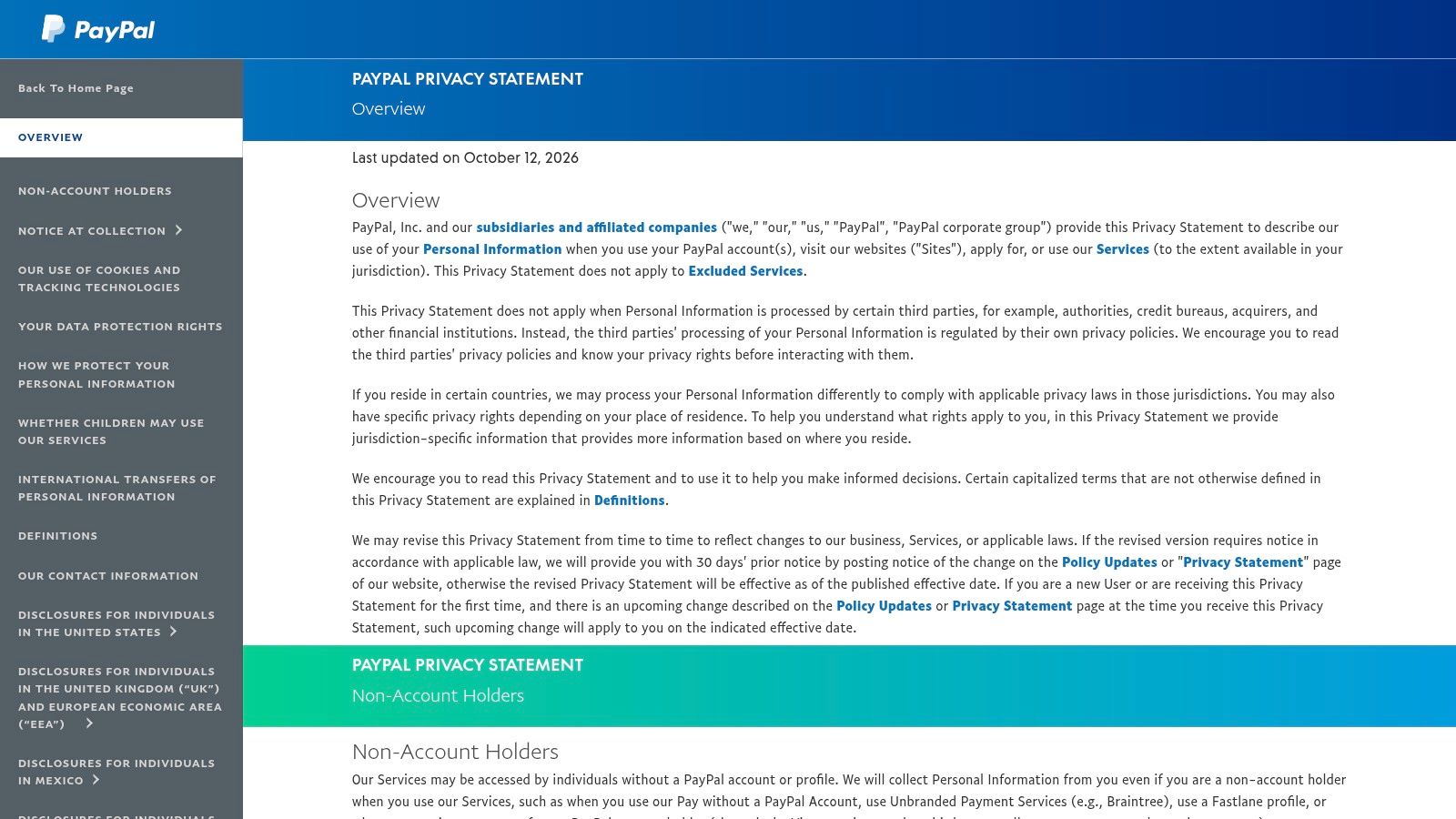
PayPal sits between you, the merchant, your bank or card, fraud systems, and service partners. That position creates a broader data footprint than paying by a direct bank transfer. PayPal says it doesn't sell personal information for money, but its Privacy Statement describes sharing with affiliates, merchants, partners, service providers, and credit reporting agencies for operations, personalization, fraud prevention, and legal compliance.
Some sharing is necessary to move money and screen risky payments. The concern is control. Transaction details can reveal where you shop, which subscriptions you maintain, when you travel, what devices you use, and how often you send money to particular people or businesses. Personalization may be useful, but you shouldn't assume every control turns off every category of operational sharing.
Read PayPal's full Privacy Statement as a map of data categories and recipients, not as a short reassurance page. Then review the Privacy Center settings available in your region. Check connected apps, saved checkout permissions, marketing preferences, and devices signed in to your account. Remove services you no longer use.
A sensible privacy routine
- Separate sensitive activity: Use a direct bank transfer when you don't need PayPal's checkout or dispute layer.
- Limit saved access: Disconnect old stores, apps, and automatic payment agreements.
- Protect the account itself: Use a unique password and available multi-factor authentication.
- Audit recurring merchants: Cancelled subscriptions shouldn't retain active billing permission.
PayPal publishes more detail than many payment apps, and centralized controls help. Transparency isn't the same as minimal data collection. If tighter data control is a priority, route routine person-to-person and bill payments through your bank where that's practical, and reserve PayPal for merchants where its protection or acceptance gives you a clear benefit.
7. PayPal - Balance Protections and Deposit Insurance
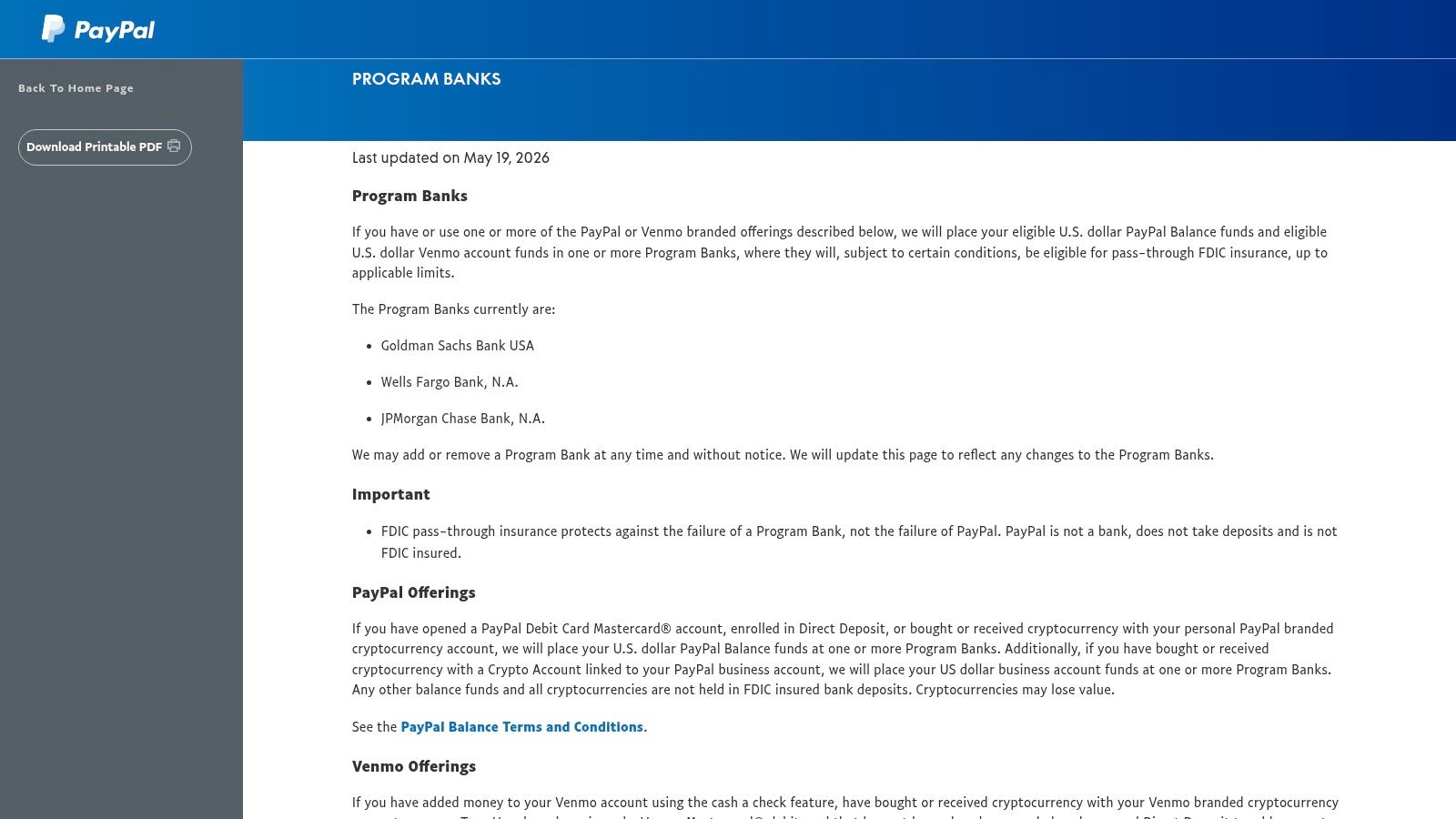
A PayPal balance looks like money in an account, but it isn't automatically the same as a bank deposit. PayPal is a money services provider, not a bank, and a standard PayPal balance is not itself FDIC-insured. That distinction matters if you leave client income, marketplace proceeds, or household cash in PayPal instead of moving it to your bank.
Some products work differently. Eligible U.S. dollar balances may receive pass-through FDIC insurance when they're swept to designated program banks and the program conditions are met. PayPal Savings deposits are held at Synchrony Bank. Coverage depends on the product, eligibility, and account settings, so don't infer protection from the word balance on the home screen.
Read the PayPal program bank terms and identify where your specific dollars sit. Ask three questions. Is this a standard balance or a savings product. Has it been swept to a program bank. Does pass-through coverage apply to my account and currency. Crypto held through PayPal isn't insured, so keep that risk separate from ordinary cash balances.
This isn't a reason to panic over a small amount waiting to fund a purchase. It's a reason to avoid using PayPal as long-term storage for money you can't afford to have delayed or exposed to product-specific terms. Move received income to your bank on a regular schedule, keep only a working amount in PayPal, and document transfers for your records.
The balanced view is simple. PayPal offers routes that can place eligible deposits with banks, but protection isn't universal across every balance. Verify coverage before you store money, not after an account limitation or provider problem makes the answer urgent.
PayPal Cons: 7-Point Comparison Guide
| PayPal item | 🔄 Implementation / management complexity | ⚡ Resource or cost impact | 📊 Expected outcome | 💡 Ideal use case | ⭐ Key advantage |
|---|---|---|---|---|---|
| Holds, account limitations, and reserves | Moderate to high; reviews may require verification or follow-up | Delayed access to funds; reserves may withhold a fixed amount or percentage | Added risk controls, but potential cash-flow disruption | Sellers managing changing sales volumes or higher-risk transactions | Risk reviews can help reduce fraud losses and protect buyers |
| Merchant fees | Moderate; pricing varies by product and payment flow | Processing and possible additional fees; costs can be harder to forecast | Convenient payment acceptance, with costs that may exceed some alternatives | Businesses seeking multiple payment methods through one provider | One integration can accept PayPal, Venmo, cards, and Pay Later |
| Currency conversion and cross-border fees | Low to moderate; conversion is integrated, but fee assessment takes care | Conversion spread and possible international payment surcharges | Simplified settlement, with potentially lower margins on overseas sales | Small merchants serving international customers | Built-in conversion can simplify international settlement |
| Chargebacks and disputes | High; sellers must meet evidence and timing requirements | Possible loss of disputed funds and chargeback fees | Outcomes depend on protection eligibility and dispute evidence | Sellers able to maintain transaction records and tracking | Evidence guidance and tracking integration can support responses |
| Customer support and resolution delays | Low for self-service; potentially high for escalated cases | Staff time may be needed to follow up on complex reviews | Straightforward issues may be self-served; complex cases can take time | Users handling common issues through online tools | Resolution Center and self-service resources are available |
| Privacy and data sharing | Moderate; users may need to review disclosures and settings | Data may be shared with affiliates, merchants, partners, and service providers | Some preferences and requests can be managed through privacy tools | Users who want centralized access to privacy controls | Published disclosures and a centralized Privacy Center |
| Balance protections and deposit insurance | Moderate; coverage depends on product, eligibility, and account settings | Some balances may not qualify for FDIC protection; crypto is not insured | Eligible swept balances or Savings deposits may receive applicable deposit protection | Users comparing PayPal balance storage with eligible savings options | PayPal Savings deposits are held at Synchrony Bank, and program terms describe eligibility |
Choose PayPal by Cost, Risk, and Control
Don't decide from brand familiarity. Decide from what a failed, delayed, or disputed payment would cost you. PayPal works well for familiar personal payments, occasional purchases, and merchants where buyers expect it at checkout. It's weaker as the sole home for business income, low-margin sales, frequent cross-border payments, or money needed on a precise date.
Use this checklist before your next payment or sales month:
- Keep PayPal for low-complexity purchases where its dispute process and acceptance matter more than the fee, conversion spread, or data footprint.
- Add another processor when you sell regularly, handle digital services, or can't absorb reversed funds, reserves, and chargeback administration.
- Compare the complete cost using your average order, refund pattern, funding mix, dispute history, currency needs, optional protection, and payout timing.
- Move money promptly to a bank account you control, and keep a cash buffer for bills that can't wait for a review to end.
- Verify deposit coverage for the exact product holding your balance instead of assuming every dollar receives identical treatment.
- Tighten privacy settings by disconnecting old merchants and using direct bank payments when PayPal adds no practical benefit.
Recurring spending deserves the same review. PayPal doesn't show your whole household payment picture. In a 2025 ecommerce payments study, 75% of consumers used debit or credit cards, compared with 46% using PayPal, according to the 2025 Ecommerce Payments Experience Report. Subscriptions charged to cards, bank accounts, and other wallets can sit outside your PayPal history.
That's where FloosYo fits without replacing your payment method. Connect your primary bank so recurring charges are detected across the account that funds them. Review monthly and yearly projections, get a reminder before renewal, and make a clear skip, stop, downgrade, or keep decision while there's still time. Use voice entry for cash habits or bills the bank feed doesn't describe well, then track the amount you avoided spending.
Before committing more volume, confirm current regional fees, dispute deadlines, reserve terms, conversion charges, account restrictions, and product eligibility. PayPal can remain one useful option. It shouldn't become an unexamined default for every sale, subscription, payout, and stored dollar.
Stop letting PayPal renewals and bank-funded subscriptions slip past because they're split across accounts. FloosYo connects to your bank, finds recurring charges, shows each one in monthly and yearly terms, and reminds you before the next payment so you can skip, stop, downgrade, or keep it with full visibility.