A charge hits your account, and at first it looks too small to matter. Then you realize it renews every month, another service renews once a year, and a daily habit you barely think about adds up faster than the subscriptions do. The problem usually isn't one giant mistake. It's that recurring spending hides in plain sight until you see the full yearly cost.
The best app to find recurring charges should do more than list transactions. It should detect repeating patterns reliably, keep your bank connection as private as possible, warn you before the next charge lands, show the monthly cost beside the yearly total, and help you decide whether to skip, cancel, downgrade, or keep watching it. That action step matters because a list alone doesn't reduce spending.
The seven tools below approach that job differently. Some focus on automatic bank-linked detection. Some are better at cancellation help. Some do a stronger job with calendars and forecasting. FloosYo stands out for people who want quick setup, voice entry, proactive reminders, monthly and yearly projections, and savings tracking in one focused iPhone app.
Table of Contents
- 1. FloosYo
- 2. Rocket Money
- 3. Monarch Money
- 4. Copilot Money
- 5. Hiatus
- 6. Emma
- 7. PocketGuard
- Recurring Charges App, 7-Tool Comparison
- Choose the Tool That Helps You Act
1. FloosYo
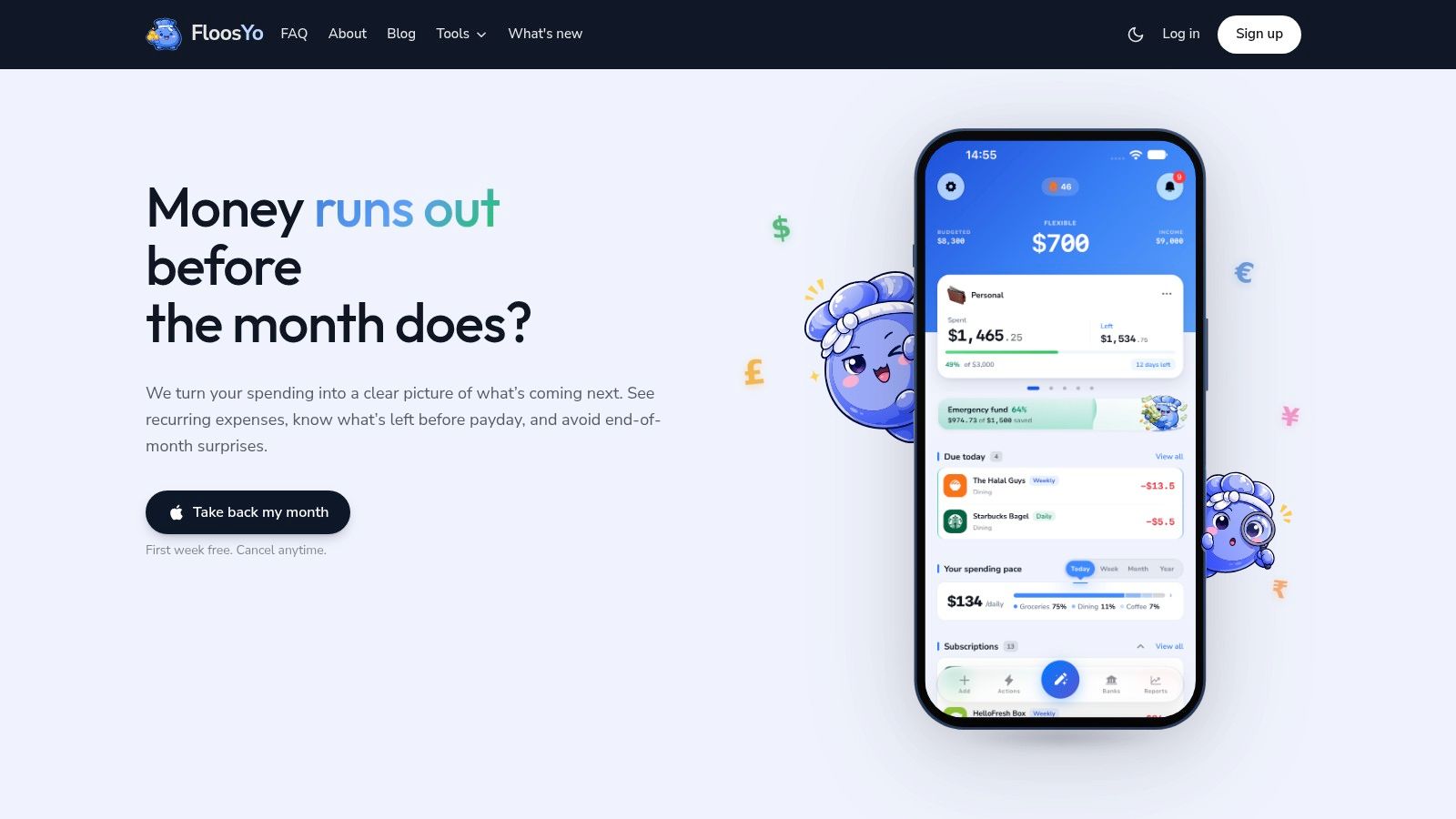
A streaming charge renews next week, a cloud storage plan bills once a year, and a small delivery habit keeps repeating in the background. FloosYo is built for that exact problem. It helps iPhone users spot recurring charges quickly, see what they add up to over time, and decide what to do before the next billing date.
Its value comes down to five decisions you care about. Does it detect recurring charges reliably? Does it warn you early enough to stop the next renewal? Does it show monthly and annual cost clearly? Is the bank connection private enough to trust? Does the app help you act once it finds the charge? FloosYo performs well on all five, especially if you want a focused app instead of a full personal finance dashboard.
The bank-linked workflow is straightforward. You connect accounts through Plaid on your bank's own sign-in screen, and FloosYo reads transactions in read-only mode. It then identifies repeating merchants and billing patterns, groups them by frequency, and translates them into monthly and yearly cost so you can judge whether a charge is harmless, annoying, or expensive enough to cut.
That monthly versus annual view matters.
Many apps surface the merchant name but leave you to do the math. FloosYo does the math for you, which makes yearly renewals easier to judge. An annual software charge can look small when it appears once, but the app puts it next to your monthly subscriptions so you can compare them on the same scale.
Why FloosYo works well for follow-through
FloosYo is strongest when the job is not just spotting a charge, but deciding on it. After detection, the app pushes the next step into view: skip, cancel, or keep monitoring. That is the right workflow for recurring spending because visibility alone rarely changes behavior.
It also covers a common gap in bank-linked apps. Some recurring expenses never show up cleanly in the feed, or they happen in cash. FloosYo lets you add them by voice or text, then parses the amount, category, and frequency for you. If you want one place to review both bank-detected and manually logged repeats, that flexibility is useful.
A practical recurring-charge app should shorten the path from finding to acting. FloosYo does that well.
Where FloosYo stands out
- Reliable recurring-charge detection: It automatically surfaces repeating transactions from linked accounts and organizes them by timing and amount.
- Early renewal warnings: Pre-charge alerts and renewal summaries help you act before the bill posts, which is more useful than a notice after the money is gone.
- Clear cost framing: Monthly and annual projections appear in the same workflow, so you can compare a monthly subscription with a once-a-year renewal without doing your own conversion.
- Private bank connection: The app uses read-only account access, encrypted tokens and metadata, signature verification for Plaid messages, TOTP support, and a stated policy against selling financial data to advertisers.
- Action after discovery: Skipped charges can be tracked as estimated savings, and the app can route that amount toward one active savings goal.
There are trade-offs. FloosYo is iOS-only, so it is not an option for Android users. It also does not center its pitch on cancellation concierge services, so if you want a company to handle cancellations for you, another tool may fit better. Pricing after the one-week free trial is not listed on the site, so you will need to confirm current terms in the App Store.
2. Rocket Money
Rocket Money is the most obvious choice if your main question isn't just “what am I paying for?” but “can someone help me stop paying for it?” Its subscription management workflow is built around automatic detection first, then cancellation help and bill-lowering tools where available.
That makes it a good fit for people who want an app to find recurring charges without manually reviewing every merchant. Rocket Money connects to bank and card accounts, groups recurring items in a dedicated area, and flags patterns like duplicate subscriptions or price changes. The interface feels like a control center, which works well if you're managing several services at once.
Best for cancellation help
Rocket Money's strongest advantage is that it doesn't stop at visibility. It can also assist with certain cancellations and offer bill negotiation services for some recurring expenses. If you know your main weakness is follow-through, that matters more than a polished dashboard.
A 2021 Chase-commissioned survey of more than 2,000 Americans found that 60% had forgotten at least one recurring payment, and 71% estimated they waste more than $50 per month on recurring charges they no longer need. Rocket Money fits that pain well because it combines detection with direct management options.
The best detector in the world won't save you money if you still postpone the cancellation.
The trade-off is straightforward. Some of Rocket Money's best features sit behind a paid tier, and bill negotiation may involve a success fee. If you want a deeper side-by-side look at where it fits, read this Rocket Money review.
Rocket Money is also less appealing if privacy minimization is your top priority. Like other bank-linked tools, convenience comes from routing transaction data through an aggregator connection so the app can scan your history for patterns.
Visit Rocket Money.
3. Monarch Money
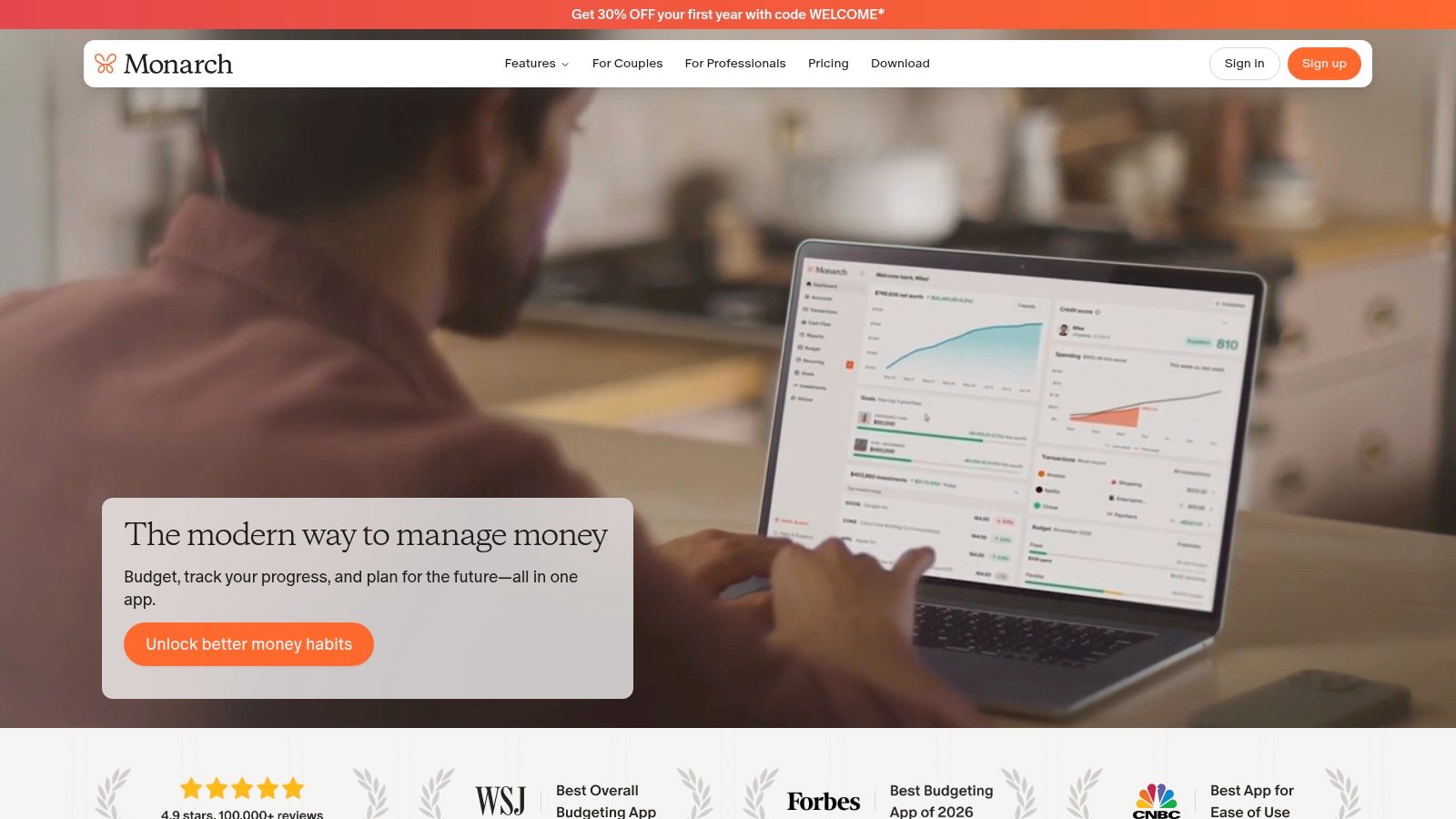
Monarch Money is the best choice if you want recurring charges placed on a calendar instead of buried in a transaction feed. That sounds simple, but it changes the decision you make. You're not just asking what repeats. You're asking what's about to hit next, and how it fits with everything else already scheduled.
Its recurring-payments system scans synced accounts, detects subscriptions and bills, and lays them out so you can review upcoming renewals before they land. For households or anyone juggling multiple accounts, that view is often more useful than a plain merchant list.
Strongest planning view
Monarch's real strength is planning ahead. The recurring calendar, reminders, rules, categories, and forecasting tools work well together. If you care about timing, not just totals, Monarch does that better than most all-purpose budgeting apps.
That matters because recurring outflows are broader than streaming subscriptions and app renewals. The European Central Bank's 2024 SPACE study treats recurring payments as a distinct household category that includes rent, utilities, subscriptions, insurance, debt repayments, and school or childcare fees. A tool that handles recurring charges well should reflect that wider reality.
- Good fit for planners: The calendar helps you spot clusters of due dates before they create pressure.
- Good fit for shared finances: Multi-account aggregation makes it easier to review household recurring outflows together.
- Less useful for cancellation help: Monarch gives you visibility and forecasting, but not a concierge-style cancel workflow.
Monarch also has a cleaner business model than ad-supported tools. It's paid, ad-free, and direct about what it is. The downside is just as clear: you'll pay for ongoing use, and you won't get bill negotiation or in-app cancellation services.
If you want a closer look at its budgeting-first approach, read this Monarch Money review. You can also visit Monarch Money.
4. Copilot Money
Copilot Money is the most polished option for Apple users who want recurring-charge tracking inside a broader finance app. If you live on iPhone and Mac and care about interface quality, this one feels refined in a way many finance apps don't.
Its Recurrings workflow ties repeating merchants to actual transactions, then lets you work those expected charges into your budget view. That's useful if you don't want a dedicated subscription manager. You want recurring payments placed in context with the rest of your spending.
Best Apple ecosystem experience
Copilot works well when your recurring costs aren't just subscriptions. It gives you category rules, widgets, insights, and multi-device access across iPhone, iPad, Mac, and web. If you review your finances across devices during the week, that flexibility matters.
There is one trade-off you should understand before choosing it as your app to find recurring charges. Copilot's recurring items are tied closely to existing transactions, so it feels less concierge-like than tools built specifically around subscription discovery and cancellation.
If you already know where you review your money, use the tool that fits that habit. A good workflow beats a long feature list.
That doesn't make Copilot weak. It makes it better for users who want a polished Apple-native budgeting experience first, and recurring-charge visibility second. If your top priority is action on hidden charges before they renew, FloosYo or Rocket Money are more direct. If your priority is recurring visibility inside a premium Apple finance setup, Copilot is a strong choice.
Copilot is a paid app after its trial, so it makes most sense if you know you'll use the broader platform and not only the recurring section.
Visit Copilot Money.
5. Hiatus
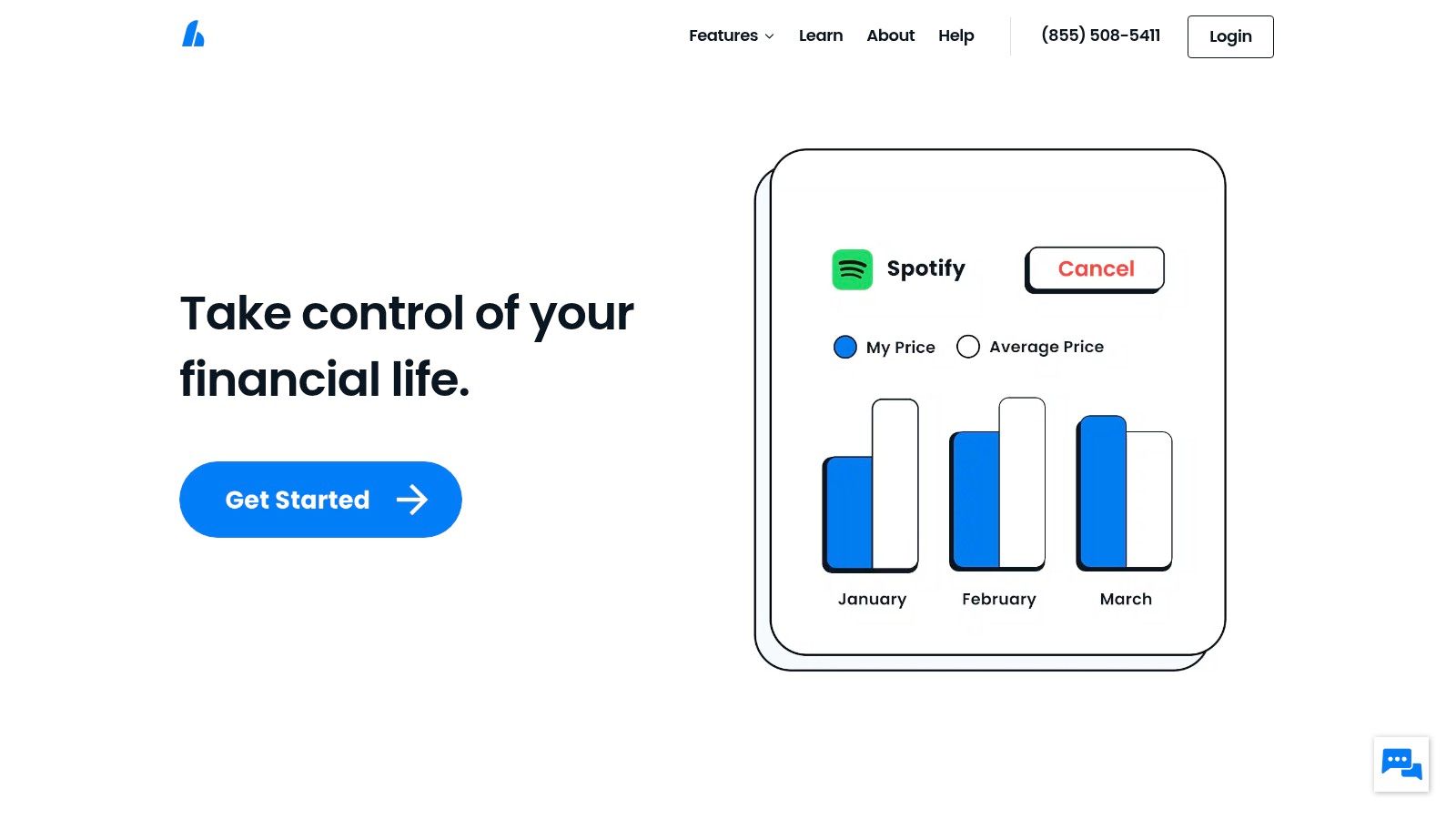
Hiatus is best for people who don't just want to identify recurring charges. They want to lower them. Its interface separates recurring expenses into broader lists, including bills that may be negotiable, which makes it more useful for recurring outflows that go beyond app subscriptions.
That distinction matters. The recurring charges eating into your budget may be a phone plan, a membership, cloud storage, a ride-hailing pass, or a utility bill. Hiatus leans into that broader bill-lowering use case.
Good when you want guidance, not just detection
Hiatus offers cancellation guidance and vendor-specific steps when direct cancellation concierge support isn't available. That's practical because many people get stuck after discovery. They know a charge is there, but they don't know the cleanest next step.
A practical review system should also surface the next renewal date and use enough statement history to catch low-frequency charges. Common guidance is to scan statements for repeating merchants over the last 2 to 3 months and extend the lookback to 12 months for annual charges. Hiatus fits users who want that wider recurring-expense review, especially for charges that don't hit monthly.
- Best use case: You suspect bills and memberships, not just subscriptions, need cleanup.
- What it does well: It makes recurring expenses easier to sort into “act now” versus “review later.”
- Main downside: Not every vendor allows third-party cancellation, so you may still need to cancel directly.
Hiatus also pushes some capabilities into premium plans. That's common in this category, but it's still worth noting because the app's value depends on whether you want simple detection or active bill-lowering support.
Visit Hiatus.
6. Emma
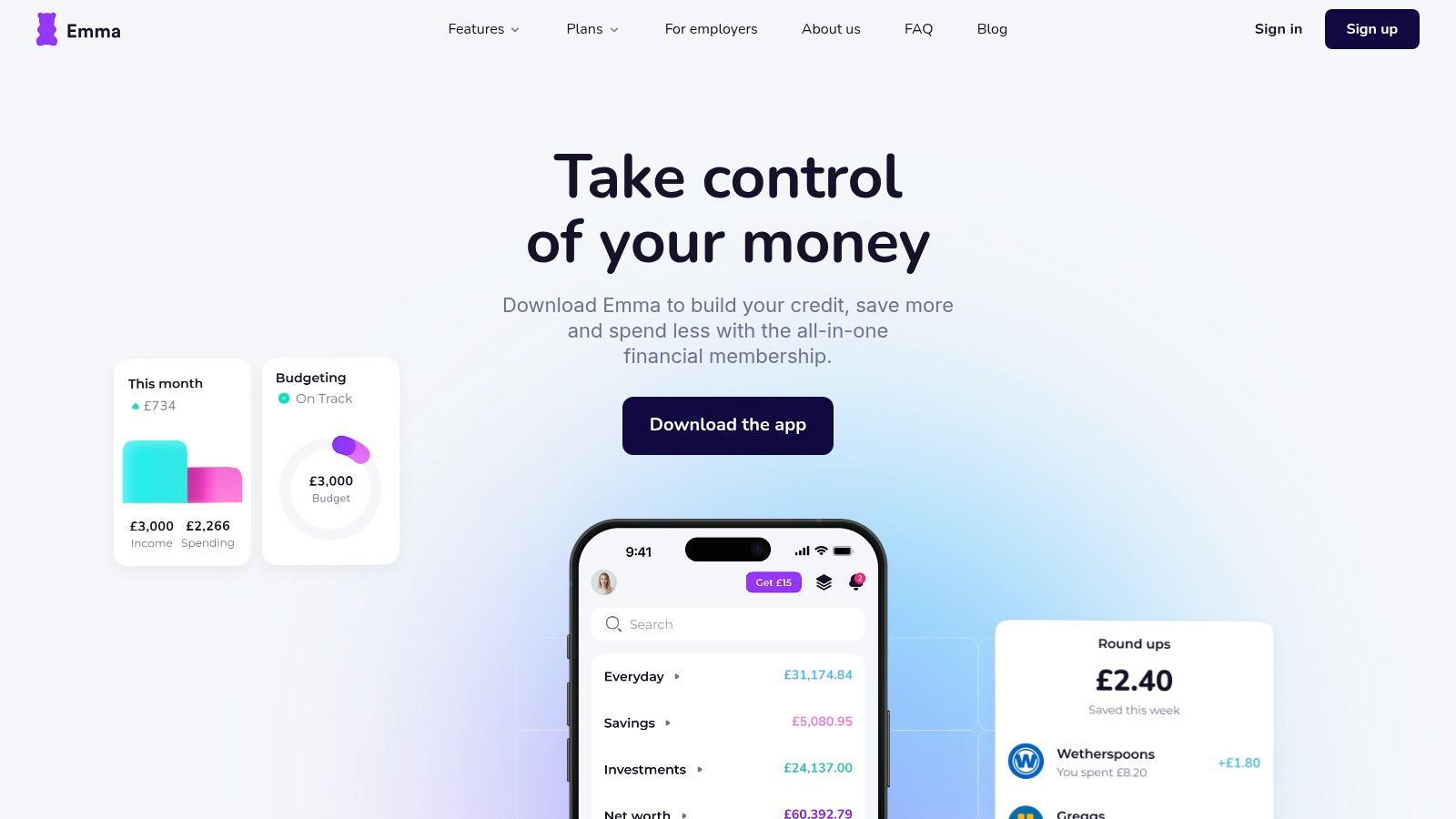
Emma is the broad-access option on this list. It works across iOS, Android, and web access for some users, and it blends subscription discovery with a larger budgeting toolkit. If you want one app that helps you spot recurring payments and also manage day-to-day spending, Emma deserves a look.
It's especially useful for people who don't want to commit to an Apple-only workflow. Setup is usually straightforward, and the app is designed to surface subscriptions and recurring payments inside a more general money-management experience.
Better for broad access than focused action
Emma's value is reach. It gives you recurring-charge detection, bill tracking, and general budgeting without forcing you into one narrow use case. That flexibility is helpful if recurring charges are only one part of the problem.
The caution is that broad budgeting apps can become noisy. If your only goal is to find and cut recurring charges, a more focused tool often gets you there faster. That matters because many people underestimate subscriptions until they itemize them. In one long-running survey summary, consumers estimated $86 per month but itemized records showed an average of $219 per month, which explains why recurring-charge visibility creates immediate value.
Emma works best if you want:
- Cross-platform availability: You're not tied to iPhone only.
- A mixed workflow: Subscriptions, bills, and everyday budgeting in one place.
- A basic starting point: You want to try the category before committing to a more specialized app.
Its weaker point is focus. Some premium features require paid plans, and if your top need is cancellation workflow or annualized decision support, other tools do those jobs more directly.
Visit Emma.
7. PocketGuard
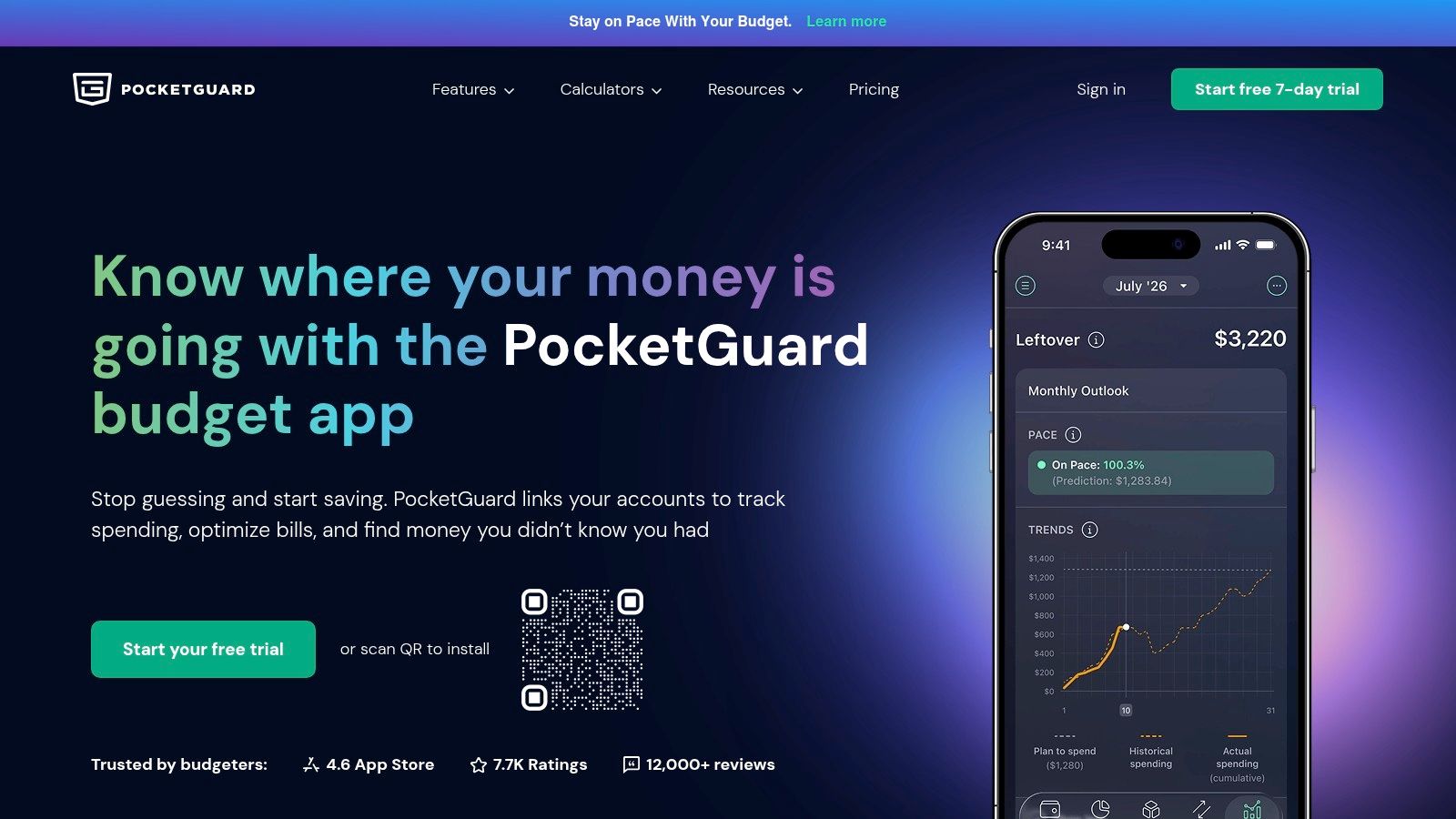
PocketGuard is the practical “show me the drains quickly” option. Its subscription manager scans transactions for recurring charges, folds them into the app's broader budgeting system, and pairs them with a simple spending view centered on what you have left after expected outflows.
That makes it useful for people who don't need a high-touch subscription concierge. They just want recurring bills and subscriptions surfaced fast, with enough guidance to decide whether to keep them.
Best for quick recurring-drain visibility
PocketGuard's biggest strength is speed of understanding. If a recurring charge is affecting what's left for the month, the app makes that visible quickly. That's a helpful frame because users often care less about the label “subscription” and more about whether a charge is shrinking flexibility.
A practical tracker should expose both the monthly hit and the annual burden. That's why annualization matters. One analyzer explains the logic: monthly subscriptions multiplied by 12, plus yearly subscriptions, gives a clearer full-year total. PocketGuard is useful when that kind of visibility is your goal, even if the app doesn't lead with projections as aggressively as FloosYo does.
Review recurring charges by impact first, not by category. The charge reducing your room this month deserves attention before the one you already plan to keep.
PocketGuard doesn't cancel subscriptions for you. Some deeper tools also sit behind PocketGuard Plus. Still, the free tier makes it easier to test whether the workflow clicks before you pay.
If you want more options in this category, see this guide to the best apps to find subscriptions. You can also visit PocketGuard.
Recurring Charges App, 7-Tool Comparison
| Product | 🔄 Implementation Complexity | ⚡ Resource Requirements / Platforms | 📊 Expected Outcomes | 💡 Ideal Use Cases | ⭐ Key Advantages |
|---|---|---|---|---|---|
| FloosYo | Low, one-tap Plaid connect; iOS-only setup | iOS device, Plaid-linked bank (12k institutions, 25 currencies) | Clear month/annual projections; actionable skip/cancel with auto-savings routing | Fast subscription control and habit visibility for iOS users | Automatic recurring detection + annualized projections; strong privacy/security |
| Rocket Money | Moderate, standard connect plus optional concierge flows | Bank/credit-card links; iOS/Android/web; premium tier for services | Identify subscriptions, flag price hikes, potential negotiated savings | Users who want negotiation or cancellation assistance | Very accurate detection; optional bill negotiation and concierge services |
| Monarch Money | Moderate, multi-account sync and rule setup | Bank aggregation across accounts; web/mobile (paid) | Calendared renewals, forecasting, goals for planning cash flow | Planning renewals and long-term budgeting | Recurring/bills calendar and forecasting; ad-free, transparent pricing |
| Copilot Money | Moderate, connects accounts; recurrings created from transactions | Bank sync (10k+ US institutions); iOS/macOS/web | Predictable-charge modeling within budgets | Apple ecosystem users seeking polished multi-device experience | Excellent Apple-native UI; clear recurring workflow in budgets |
| Hiatus | Low, auto-listing plus guided cancellation steps | Bank connect; in-app negotiation guidance; premium upsells | Categorized negotiable bills and guided savings opportunities | Users focused on lowering bills and guided cancellations | Strong bill-lowering workflow and vendor-specific cancellation guidance |
| Emma | Low, fast account connect and discovery | Bank aggregation; iOS/Android/web (some features premium) | Subscription discovery, tracking, and budgeting alerts | Users wanting a full budgeting “super app” with subscription tools | Wide institution coverage; basic free tier and quick setup |
| PocketGuard | Low, quick setup and “Leftover” budgets | Bank links; multi-account aggregation; free and Plus tiers | Surface recurring drains and smart leftover budgets | Users who want simple budgeting and quick subscription visibility | Useful free tier, clear upgrade path, practical recurring detection |
Choose the Tool That Helps You Act
The right app to find recurring charges depends on one decision: what happens after the app finds them. Detection matters, but action matters more. You need to know whether the app warns early enough, shows the yearly cost clearly enough, protects your data well enough, and makes the next step simple enough that you'll follow through.
Choose FloosYo if you use iPhone and want the most direct path from discovery to decision. It's the best fit here for automatic recurring detection, voice capture for off-feed items, pre-charge reminders, monthly and annual projections, privacy-minded bank access, and savings tracking tied to skip decisions. If your goal is to reduce recurring spending without getting buried in charts, FloosYo is the strongest recommendation.
Choose Rocket Money if cancellation help or bill negotiation matters most. Pick Monarch Money if you want a recurring-payments calendar and forecasting view that helps you plan ahead. Go with Copilot Money if you want a polished Apple-focused finance app across devices. Use Hiatus if your main target is lowering bills and working through cancellation guidance. Choose Emma if you want broader budgeting access across platforms. Pick PocketGuard if you want a quick scan for recurring drains inside a straightforward budgeting app.
There's also a bigger reason to act now. A 2026 Bank of America Institute analysis found that U.S. subscription spending rose 7.7% year over year in July 2026, with stronger growth among younger groups and entertainment and retail making up roughly 43% of subscription spending. Recurring charges aren't a minor side category anymore. They're a major and growing part of monthly outflows.
Use a simple sequence. Connect only the accounts you need. Review each recurring charge one by one. Compare the monthly amount with the yearly cost. Then decide: skip, cancel, downgrade, or monitor. After that, check the next statement to confirm the change took effect.
FloosYo helps you find recurring charges you've stopped noticing, see what they cost over a month and a year, and decide what to do before the next renewal hits. If you want voice entry, pre-charge reminders, skip decisions, and savings tracking in one focused iPhone app, visit FloosYo.
Coming from another budgeting app? See how FloosYo compares to YNAB, Mint, Monarch or Rocket Money.
Which budget fits me: See which split fits the amounts you enter. Budget my income: Give every dollar a job before the month starts.